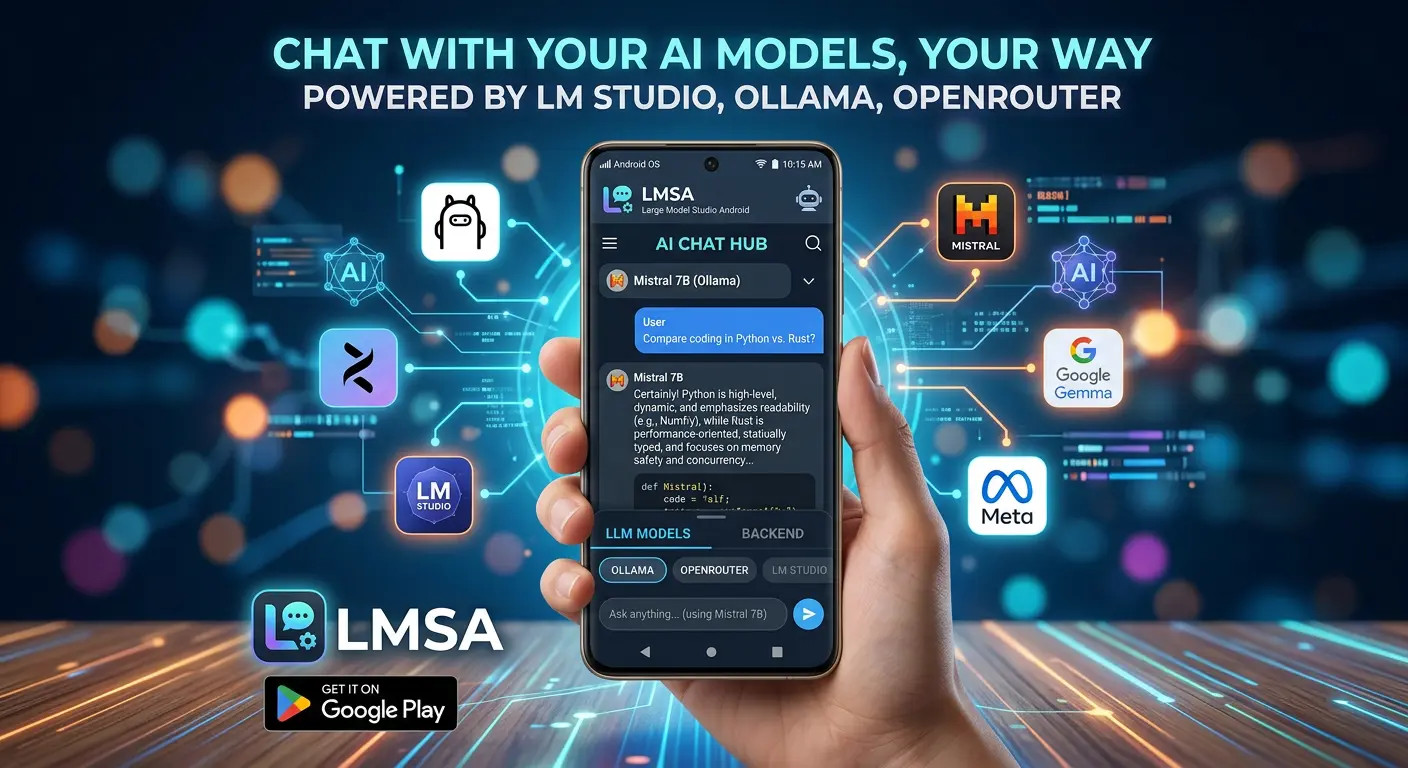

We're proud to introduce Voice Mode — one of the most requested features in LMSA's history, and one we've been genuinely excited to build. It's the kind of feature that changes how the whole app feels to use, and now that it's here, it's hard to imagine LMSA without it.
So let's talk about it. Literally.
Why We Even Wanted This
Typing to an AI model is fine. It works. But there's something a little stiff about it, isn't there? You're standing in your kitchen with flour on your hands trying to ask your model a question, or you're lying in bed with the lights off, or you're on a walk and an idea hits you and you want to talk it through out loud instead of thumb-typing it into a phone screen.
We wanted LMSA to feel less like "a text box that responds" and more like something you could genuinely have a conversation with — the same way you'd talk through a problem with a friend. Voice Mode is our attempt at closing that gap.
You tap the mic, you talk, your model responds, and you hear it back. No keyboard required. It's a small shift, but it changes the whole feel of using the app.
Here's the Part We're Actually Proud Of
We could have taken the easy road here. Plenty of voice assistants just quietly ship your audio off to some server somewhere, let a cloud service do the heavy lifting, and call it a day. It's faster to build. It's cheaper to build. And it completely defeats the entire reason a lot of you use LMSA in the first place.
So we didn't do that.
Voice Mode runs entirely on your device. Nothing about your voice touches the cloud, unless you've deliberately chosen a cloud model through OpenRouter for the text generation part — and even then, that's just the reply being generated, not your voice itself.
To break it down plainly:
- Speech recognition happens on-device. Your phone is doing the work of turning your spoken words into text — not some remote server.
- We don't record your voice. Not for training, not for "improving our services," not for anything. There's no hidden upload, no background logging, no folder full of your audio clips sitting on a server somewhere.
- Text-to-speech uses Android's built-in engine. When your model replies, LMSA hands the text over to the native TTS system already living on your phone. That's it. No third-party voice API, no external service, no extra permissions beyond what you'd expect.
Our privacy policy for Voice Mode is basically one sentence: your voice is used to generate your current response, and then it's gone. That's the whole story.
This isn't a marketing angle for us. It's the same philosophy that's been baked into LMSA since day one — if you're running a local model specifically because you want your conversations to stay yours, the last thing we'd do is undercut that the moment you start talking instead of typing.
It Works With Whatever Model You're Already Using
One thing we didn't want to do was build a shiny new feature and then lock it behind a specific model or provider. That's not really how LMSA works, and it's not how we wanted Voice Mode to work either.
So whether you're running:
- A local LLM directly on your device, fully offline, or
- A model through OpenRouter, if you want access to something larger or more specialized
...Voice Mode works with it. You don't need to switch models, reconfigure anything, or pick a "voice-compatible" option from some separate list. If it works in LMSA now, it works with Voice Mode.
Okay, But How Do You Actually Use It?
It's about as simple as we could make it:
- Open a chat in LMSA, same as always
- Tap the microphone icon
- Just talk — say what you'd normally type
- Your phone transcribes it locally, your chosen model generates a response
- Android's native TTS reads that response back out loud to you
No account linking. No extra sign-up. No permission requests beyond the microphone access you'd expect from a voice feature. You update the app, tap a button, and you're talking to your model.
Why This Matters More Than It Might Seem To
It's easy to treat voice input as just a convenience feature — a nice-to-have, a "cool, I guess I could use that sometimes" kind of thing. But we think there's something a little bigger going on here.
A lot of people came to LMSA specifically because they wanted an alternative to handing every conversation over to a big company's cloud servers. Running a model locally on your own device is already a statement about who gets to see your data — which is to say, nobody but you.
Voice adds a new dimension to that. Voice is personal in a way text sometimes isn't. It carries your tone, your hesitations, the way you actually think out loud rather than the more edited version you type. It felt important that if we were going to let people talk to their models, we couldn't quietly compromise on the privacy that made them choose LMSA to begin with.
So we didn't.
Try It Out
Voice Mode is live now in the latest version of LMSA. Update the app, open up a chat, and tap that microphone icon.
Talk to your model however you'd talk to anyone else — no cloud listening in, nothing recorded, nothing kept. Just you, your phone, and whichever model you've chosen to trust with the conversation.
We'd genuinely love to hear how it goes for you. If something feels off, or if you've got ideas for where Voice Mode should go next, reach out and tell us. This feature exists because people asked for it — we imagine improving it will work the same way.