
Most people assume that if they delete a conversation, it's gone. It isn't.
Every time you open ChatGPT, Claude, or Gemini and type a message, that text travels to a server — and depending on which plan you're on and which settings you've toggled (if you even knew there were settings to toggle), it may sit there for days, months, or years. It might be reviewed by a human contractor. It might be used to improve the next version of the model. For most users on free or standard consumer plans, that's just the default reality, quietly baked into the terms of service.
The good news is there's a better way — and it's more accessible than most people realize.
What Most AI Apps Don't Tell You About Your Data
Let's talk about what actually happens to your messages when you chat with a major AI assistant.
ChatGPT, in its standard consumer form, retains deleted chats for up to 30 days before they're permanently removed. You can opt out of training directly from settings, but the data itself still lingers on their servers before being cleared. Gemini's consumer-level data handling raises its own questions around transparency, particularly when it comes to training defaults and prolonged storage periods that can involve human review.
Claude has long been considered the more privacy-conscious option among major AI providers. For consumer accounts that don't opt into model training, Anthropic's existing 30-day data retention period continues to apply — meaning even if you never gave explicit consent to anything, your messages exist on their servers for at least a month by default.
For many people, that's fine. Asking an AI to help write a birthday card or explain a recipe isn't exactly sensitive. But what about discussing a business strategy? A legal situation? A medical question you weren't ready to bring to a doctor? A personal struggle you wanted to think through out loud?
This is where Zero Data Retention stops being a niche enterprise feature and starts being something everyone should know about.
What Is Zero Data Retention (ZDR)?
Zero Data Retention is exactly what it sounds like — a policy under which a provider commits to not storing your data at any point after processing. Your message goes in, the model processes it, a response comes back, and then it's gone. No logs. No conversation history. No retention window.
Providers that operate under ZDR are also unable to train on your data. That's the key connection most people miss: retention and training go hand in hand. If the data doesn't stick around, it can't be used to train anything.
This kind of policy has historically been reserved for enterprise customers — the kind with legal teams and compliance departments who could negotiate custom contracts. It became a staple of healthcare organizations, financial institutions, and government agencies precisely because it satisfies the strictest regulatory requirements around data handling: HIPAA, GDPR, PCI. It was never really designed with everyday users in mind.
That's starting to change.
How OpenRouter Structures ZDR
OpenRouter is a platform that acts as a unified gateway to hundreds of AI models — Claude, GPT-4o, Gemini, Mistral, Llama, DeepSeek, and many more — all accessible through a single API. Instead of juggling separate accounts across a dozen different providers, developers and technically inclined users can manage everything through one place.
What makes OpenRouter particularly interesting from a privacy standpoint is how seriously ZDR has been built into its infrastructure — though it's important to understand that ZDR doesn't happen automatically. For a request to be treated as Zero Data Retention, the ZDR parameter must be explicitly passed along with each API call. OpenRouter supports this at the request level, at the guardrail level, and at the account level — but the enforcement only happens when it's actively invoked.
OpenRouter also does significant groundwork on the provider side. They work with each provider to understand their data policies and verify which endpoints are actually eligible to receive and honor the ZDR flag. If a provider's policy isn't clear, OpenRouter takes a conservative stance and assumes that the endpoint both retains and trains on data. The benefit of the doubt goes to the user, not the provider.
By default, OpenRouter does not log your prompts or completions at all. What it does retain is request metadata — timestamps, the model used, token counts, and latency — for billing and operational purposes. Your actual conversation content is not stored by OpenRouter unless you specifically opt in to prompt logging. There's even a 1% usage discount offered in exchange for enabling that logging, which means if you don't take the discount, you've made no trade-off whatsoever.
All of this infrastructure is powerful. But for most Android users, configuring API calls with the right parameters, across the right endpoints, on a platform built primarily for developers — that's not an evening project. Which is where the next piece of the puzzle comes in.
LMSA: Putting Private AI on Your Android Phone
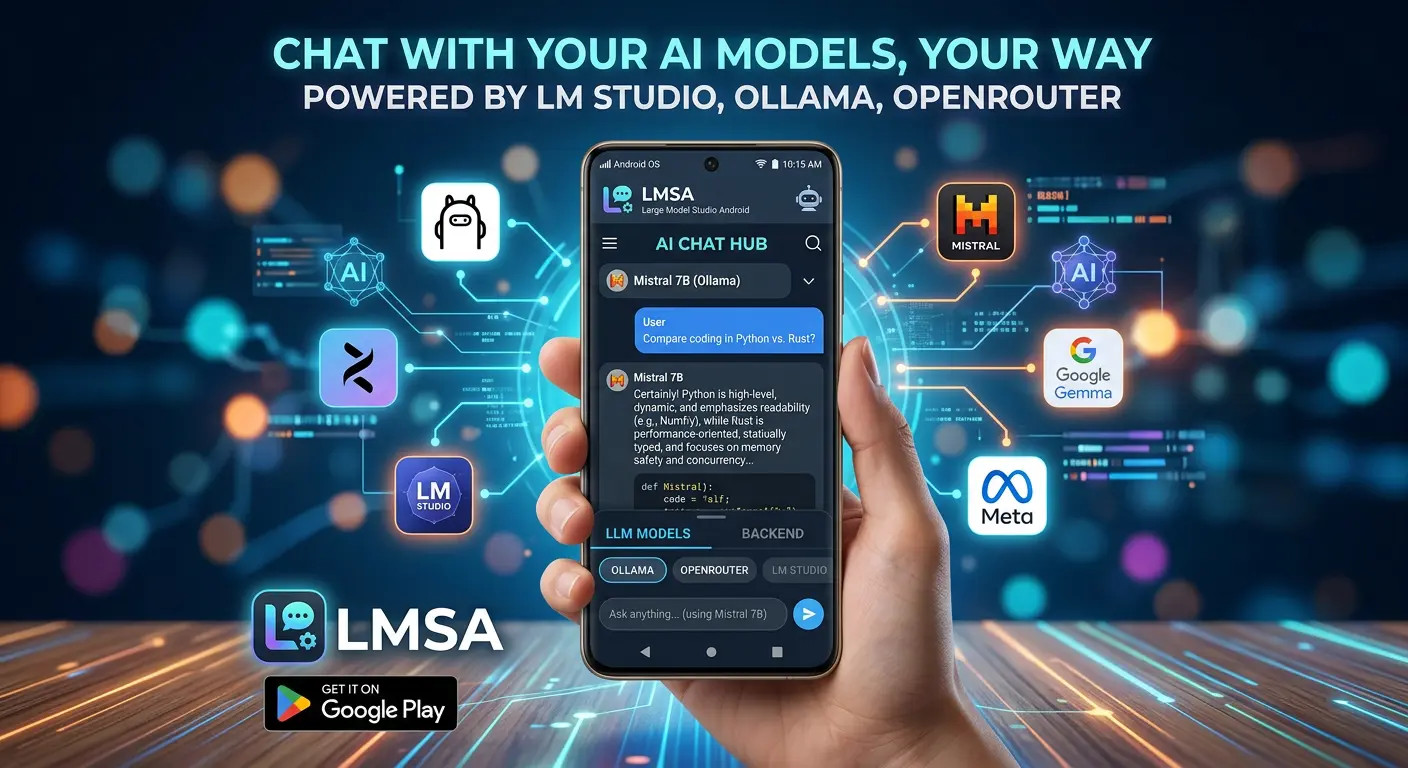
LMSA is an Android app built to connect directly to AI backends — local servers like LM Studio and Ollama, or cloud providers through OpenRouter. It was designed from the ground up with privacy as a first principle, and it shows in both how the app is built and what it actively does on your behalf.
All chat histories, API keys, and configurations are stored securely on your local Android device. There are no external databases, no analytics pipelines, no server-side logs of your conversations. LMSA has no backend infrastructure storing what you say. The app is a conduit between you and the AI — but it's a conduit that takes responsibility for how that connection is made.
That last part is what sets it apart. LMSA doesn't just route your messages to OpenRouter and let privacy be someone else's problem. When you send a message to a supported model, LMSA explicitly passes the ZDR parameter with that request. Every time. Behind the scenes, without you having to think about it. The app has been built to actively enforce Zero Data Retention on each call, rather than leaving it as a setting the user might or might not configure correctly.
LMSA has also done the work of categorizing which models on OpenRouter are eligible to receive the ZDR parameter — because not every model supports it, and sending the flag to an incompatible endpoint doesn't make it private. That curation is baked into the app itself.
Here's how to get started:
Step 1: Get an OpenRouter API key. Head to openrouter.ai and create an account. Once inside, generate an API key. This is what authenticates your requests. OpenRouter has a free tier, and many of the models available are extremely affordable — often fractions of a cent per message.
Step 2: Download LMSA. LMSA is available on the Google Play Store. The core app is free. A one-time premium upgrade ($14.99) unlocks features like message templates, biometric lock, custom endpoints, and text-to-speech — but the fundamental AI chat functionality, including full OpenRouter integration with ZDR enforcement, works out of the box.
Step 3: Configure OpenRouter in LMSA. Open the app, navigate to settings, and paste in your OpenRouter API key. From there, you can browse the full model library.
Step 4: Look for the green shield. More on this below — but models marked with a green shield are the ones LMSA has vetted as ZDR-compatible. Those are the models where the full privacy chain is intact.
Step 5: Start chatting — privately. Pick a green-shield model, start a conversation. LMSA sends your message to OpenRouter with the ZDR parameter explicitly included, the request routes to a verified ZDR endpoint, the model processes it and returns a response, and nothing is stored anywhere along the way. When you close the conversation, it's gone — not hidden, not archived. Just gone.
The Green Shield: Knowing Which Models Are Truly Private
When browsing the model list inside LMSA, you'll notice that some models carry a small green shield icon next to their name. That indicator isn't cosmetic — it's the result of deliberate work done inside the app to ensure that the full ZDR chain holds together.
Here's what's actually happening: as mentioned above, for a request to be treated as Zero Data Retention, the ZDR parameter has to be explicitly sent with each call. LMSA does this automatically for every message routed to a ZDR-eligible model. But sending the parameter alone isn't enough — it also has to land on an endpoint that's been verified to accept and honor it. Not every model on OpenRouter supports ZDR, and routing a message with the ZDR flag to an unsupported endpoint doesn't make it private.
LMSA has done the work of identifying and categorizing which models meet that bar. The green shield marks the models that have been vetted and confirmed to both accept the ZDR parameter and operate under a Zero Data Retention policy at the provider level. Everything else is filtered out of that designation.
The result is that selecting a green-shield model means three things are true simultaneously: the ZDR parameter is going out with your message, it's landing on an endpoint built to receive it, and no data is being stored at the provider level. That complete chain — active parameter enforcement, curated model eligibility, and provider-level ZDR — is what the green shield actually represents. It's not a label. It's a guarantee backed by implementation.
For anyone using the app to discuss anything sensitive, making a habit of sticking to green-shield models is the simplest way to ensure the strictest level of privacy available.
Why This Matters More Than You Might Think
There's a tendency to assume that privacy concerns are for people with something to hide. That framing is worth pushing back on.
Privacy is for people who understand that context matters — that a conversation you have in confidence shouldn't surface somewhere you didn't expect. A therapist's notes don't become public record because you mentioned them to a friend. A lawyer's advice doesn't get shared with opposing counsel because you wrote it down. The same principle applies to AI.
The more people rely on AI assistants for genuinely sensitive work — drafting legal documents, exploring health questions, processing difficult personal situations, handling confidential business data — the more the underlying data infrastructure matters. And right now, most people are using consumer-grade tools with enterprise-grade use cases, without thinking much about the gap.
Users who don't realize the implications of their plan settings may be unknowingly exposing client or personal data when using consumer AI tools for professional work. And even with training disabled, retention windows still apply at the provider level for most consumer plans. Even some apps that market themselves as privacy-first still route your messages through model providers that retain data on the backend for up to 30 days — the app-level promise and the provider-level reality don't always match.
The setup described here is different in kind, not just in degree. LMSA's local-first architecture means your conversations never pass through an app server. Its active ZDR enforcement means every eligible request is explicitly flagged for zero retention. And OpenRouter's verified ZDR endpoints mean the provider on the other end has committed — contractually and technically — to not storing your data. There's no retention window to wait out. The data simply doesn't exist to be compromised.
A Note on How This All Fits Together
It's worth being clear about how responsibility is distributed across this setup, because the privacy guarantee here isn't magic — it's the product of several components working in concert.
OpenRouter provides the infrastructure: the routing network, the provider vetting, the ZDR-compatible endpoints, and the underlying API that makes all of this possible. The ZDR mechanism itself lives at that layer.
LMSA provides the implementation: it sends the ZDR parameter with every eligible request, curates which models can receive it, stores everything locally on your device, and presents the whole system in an interface that makes it accessible to anyone with an Android phone and an API key.
Neither piece alone is sufficient. OpenRouter's ZDR infrastructure only works when it's actively invoked. And an interface that doesn't invoke it — regardless of how private it claims to be — isn't actually delivering ZDR. LMSA is the layer that makes the invocation happen consistently, correctly, and without putting the burden on the user to figure it out.
The Practical Takeaway
If you want to chat with Claude, Gemini, GPT-4o, or hundreds of other models without leaving a trail, here's the shortest version of what to do:
- Create a free account at openrouter.ai and generate an API key
- Download LMSA from the Play Store
- Paste your API key into the app settings
- Choose any model marked with a green shield
- Chat — knowing that your conversation will not be stored anywhere, by anyone, at any point
It takes about ten minutes to set up and costs nothing beyond whatever tokens you use. At typical usage rates, a month of casual AI chatting through OpenRouter can cost less than a dollar.
AI privacy doesn't have to be a technical project. It doesn't require running your own server or understanding cryptography or auditing provider terms of service. It just requires knowing the right tools exist — and knowing that those tools are doing the right things on your behalf.
Now you know.
LMSA is developed by TechMitten LLC and is available on Android. OpenRouter is an independent AI routing platform with no affiliation with LMSA.