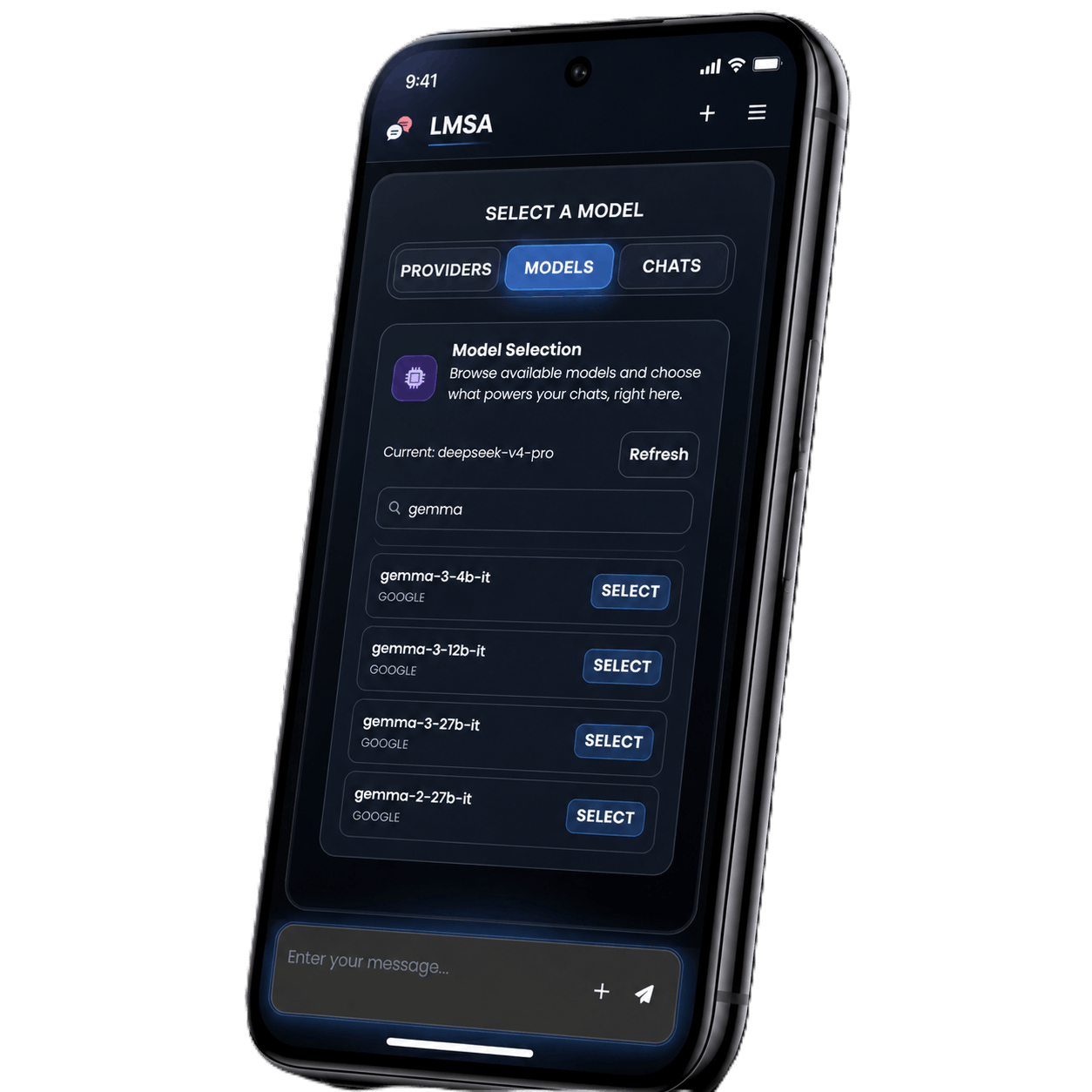

Chat with the AI models
already running on your PC.
The Android client for LM Studio, Ollama, or OpenRouter. Point it at your own machine and your chats never leave your network.
Free to install · No subscription
Features
Private & local AI, in your pocket.
Everything you need to run serious models from your phone, with the compute staying on hardware you own. A few advanced features need Premium.
Feature Spotlight
Privacy-First
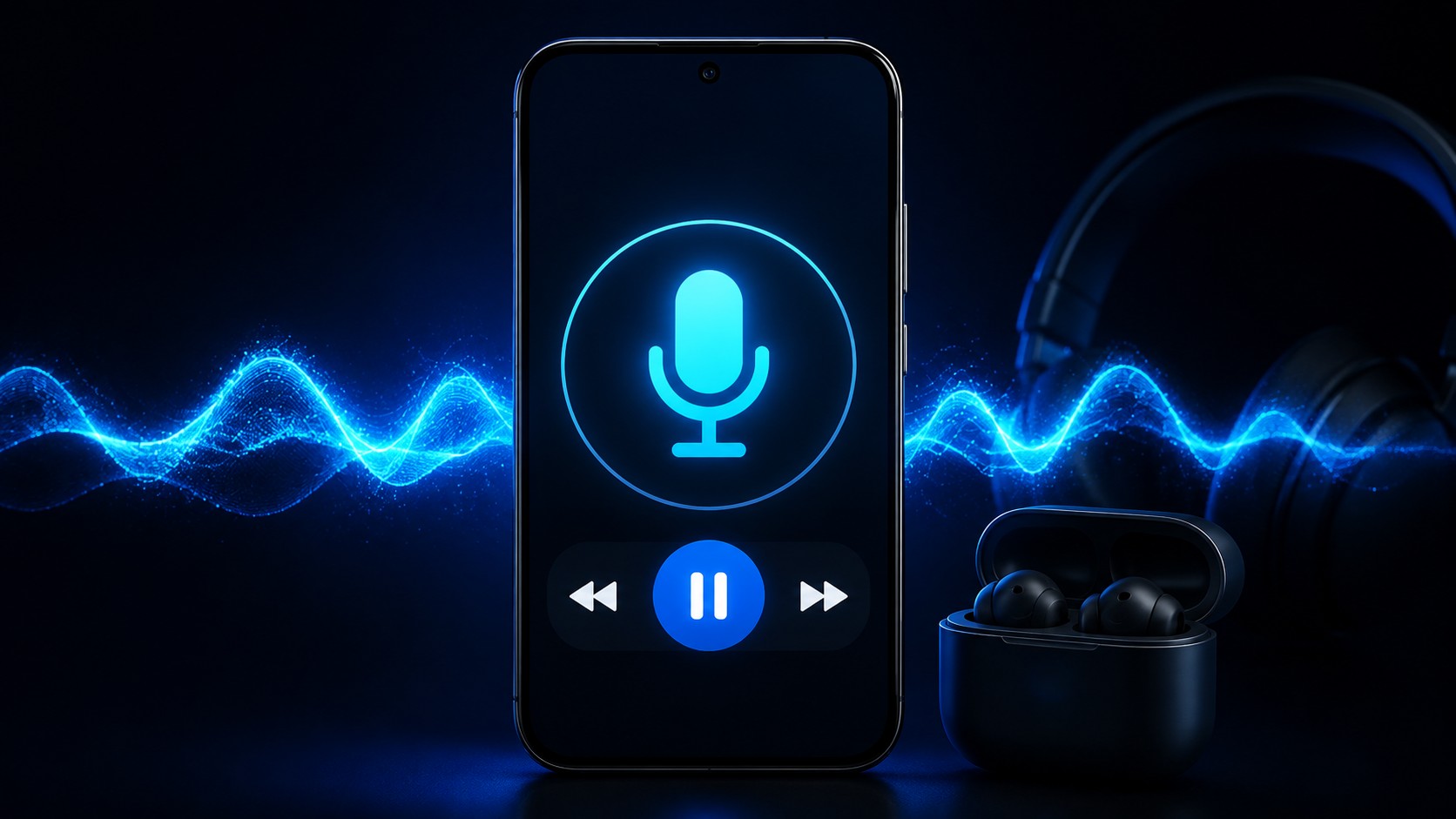
Hands-Free Voice
Have a real-time voice chat with local Ollama or LM Studio models on your phone. Completely private, hands-free conversation with zero cloud tracking and full local network encryption.
Powered by Brave
Real-Time
Private Web Search
Enhance your local AI conversations with real-time web results. Powered by Brave Search, search queries are executed privately without any user tracking or persistent cookies.
OpenRouter
Zero Data
Retention Enforced
Interact with powerful cloud models via OpenRouter with total peace of mind. Zero Data Retention is strictly enforced, ensuring your prompts and files are never stored or logged.
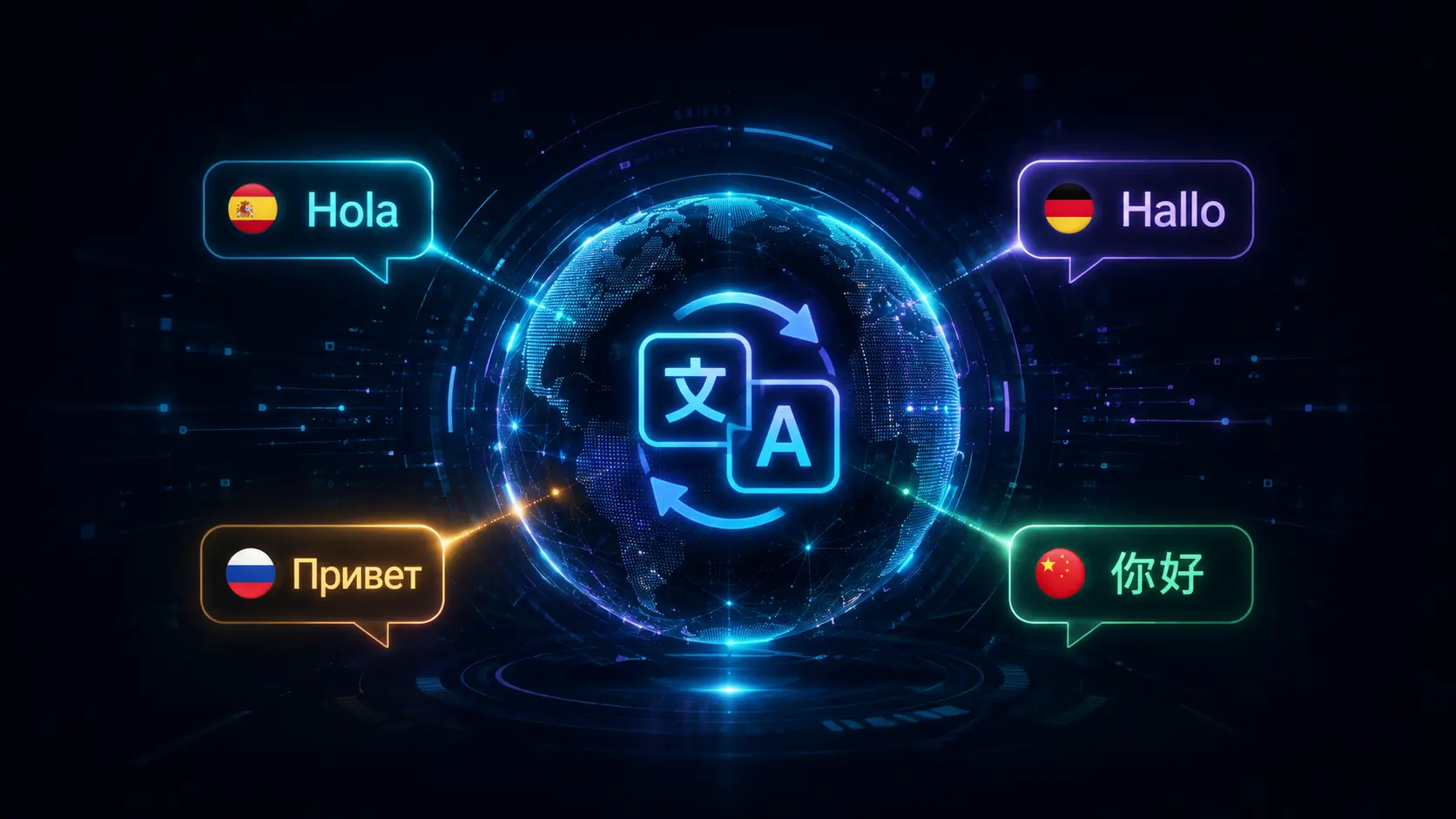
Global Support
Spanish, German,
Russian & Chinese
LMSA is built for the global AI community. Chat with your local and cloud models and navigate the full application seamlessly with native on-device support for Spanish, German, Russian, and Simplified Chinese.
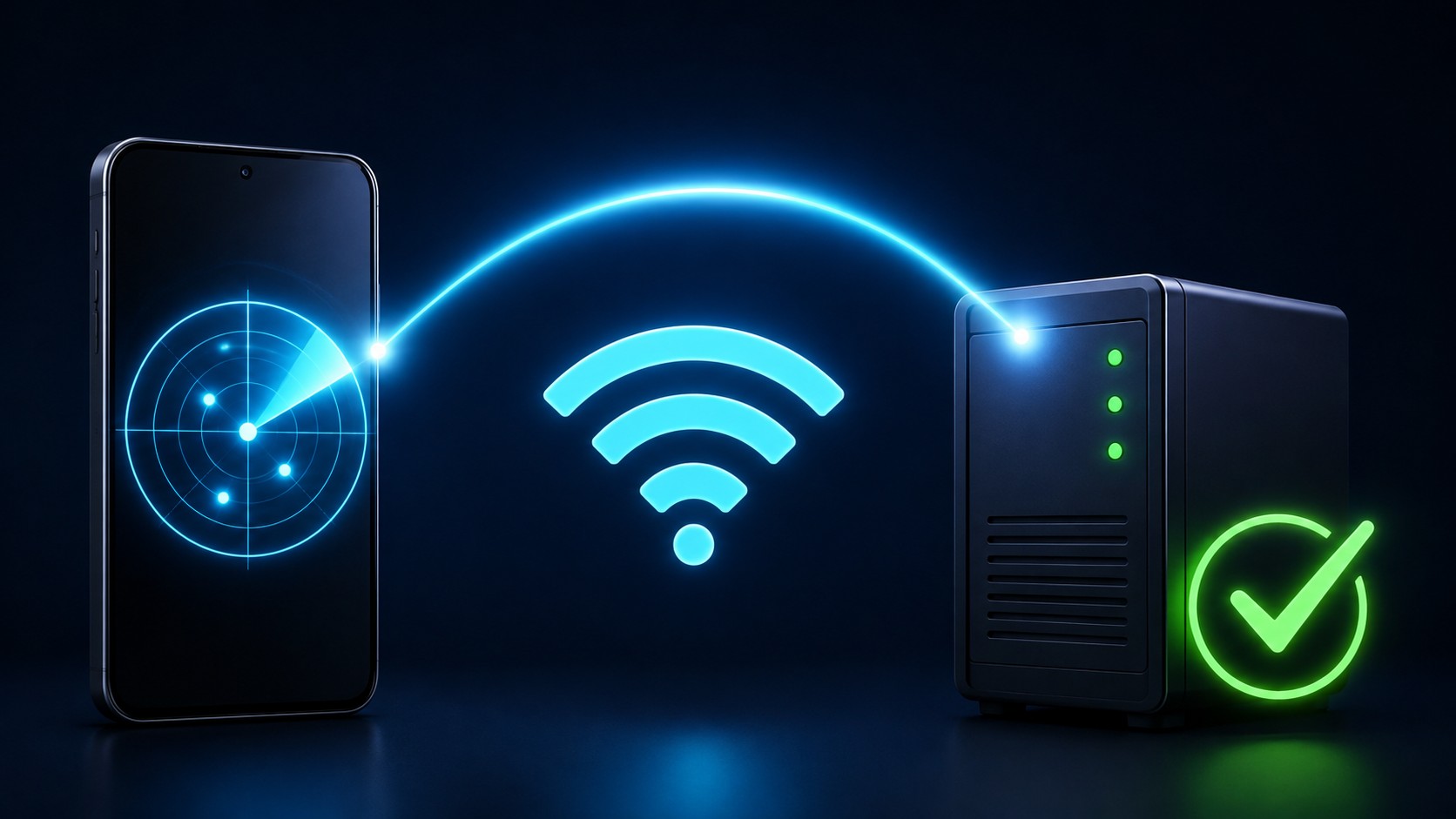
Scan LAN
Local Server
Auto-Discovery
Skip the manual network setup. LMSA automatically scans and connects to LM Studio or Ollama instances running on your home Wi-Fi network, pairing your phone in seconds.
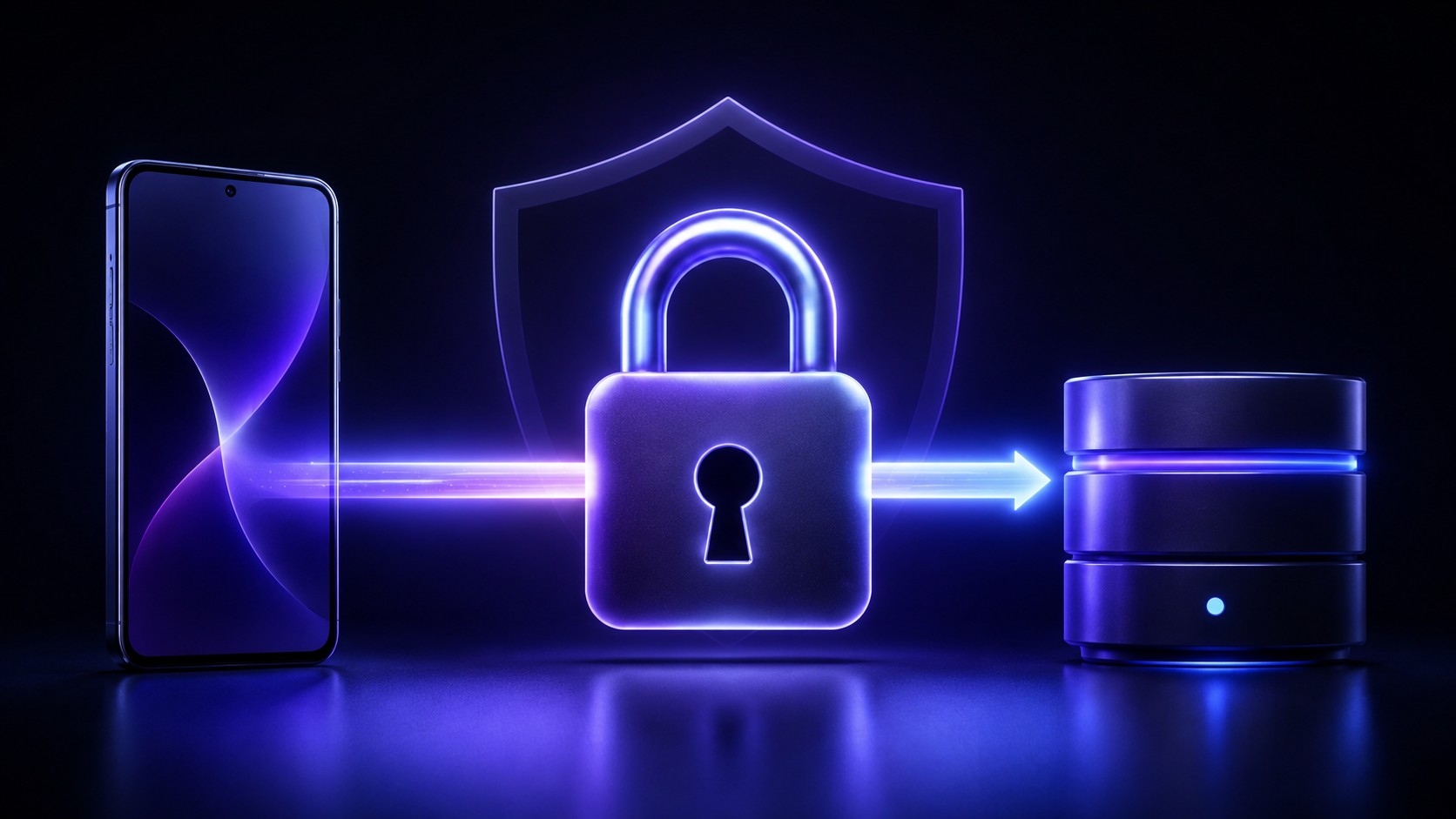
On Device
AES-256 On-Device
Data Encryption
Keep your history secure. LMSA encrypts your chat database and configuration settings on-device with AES-256, keeping all local storage protected with zero cloud sync.
Coming SoonLMSA Cloud

New Service
LMSA Cloud
Private AI API
Access powerful AI models directly through our new API provider built for uncompromising privacy—with absolutely no tracking, zero training data retention, and fully uncensored AI access.
How it works
Your computer runs the model.LMSA puts it in your hand.
LMSA connects your Android phone directly to local LLM servers running on your PC, Mac, or Linux computer over your home Wi-Fi network — private, lightning fast, and with zero cloud fees.
01On your computerPC / Mac / Linux
Step 01On your computer
Launch Local LLM Server on Your Computer
Download and start LM Studio, Ollama, llama.cpp, or vLLM on your desktop or laptop. Load any open-source model—such as Llama 3.3, DeepSeek R1, Qwen 2.5, or Mistral. Your computer's GPU & CPU handle all the heavy AI compute locally with zero cloud subscription fees.
02On your Wi-FiLAN bridge
Step 02On your Wi-Fi
Connect LMSA over Local Wi-Fi
Ensure your Android phone is on the same home Wi-Fi network as your computer. Open LMSA and let built-in Auto-Discovery find your PC's local server in one tap—or type in your computer's local IP address (e.g. 192.168.1.100:1234). No cloud middleman or port forwarding required.
03On your phoneLMSA for Android
Step 03On your phone
Full-Power Local AI in Your Hands
Your computer powers the model while your phone gives you complete mobile freedom. Enjoy lightning-fast token streaming, hands-free voice mode, document attachments, and custom persona prompts anywhere in your house—with full on-device AES-256 chat encryption.
Backends
Supported connections
Typical addresses — point LMSA anywhere you like.
LM Studio
localhost:1234
Ollama
localhost:11434
llama.cpp / vLLM / LocalAI
OpenAI-compatible /v1
Tailscale
100.x.y.z
OpenRouter
openrouter.ai/api/v1
Custom endpointPremium
https://your-host/v1
40,000+Installs on Google Play
Rated 5 out of 5
Pleasant to use and very practical.
Valère OmerzuJun 23, 2026
Rated 5 out of 5
Excellent app!!! I set up a local LLM at home using LM Studio, and connected to my smartphone from anywhere in the world using Tailscale. The only problem is that I can't upgrade to premium due to Google restrictions.
Arimo GuardenMay 27, 2026
Rated 5 out of 5
I think it's good. My local LLM at home runs on Ollama on Ubuntu, and I was looking for a tool to connect to it from my smartphone. I couldn't find a tool that would connect for a while, perhaps because of my settings, but this app worked. I'm using it a lot now.
saiMay 24, 2026
Zero subscriptions. Forever.
Install it and start chatting on your own hardware today. The core app stays free — one optional purchase unlocks the rest, once.
FAQ
Questions, answered.
Compatibility, privacy, and local network setup. The Support Hub has the full documentation.
LMSA stands for Local Model Smart Assistant. It is an Android app that lets you chat with AI models from your phone using LM Studio or Ollama on your local network, or cloud models through OpenRouter and any OpenAI-compatible custom endpoint. For setup details, check our Support page.
Yes. LMSA Premium includes a hands-free Voice Mode for real-time voice chat with local LLM models running on LM Studio or Ollama. Speak naturally and LMSA transcribes your voice on-device, sends the text to your local model, and reads the reply back out loud, with no cloud voice service involved. See our Privacy-First Voice Mode page for setup details.
Yes, in two ways. LM Studio and Ollama normally require your Android device and your local server to be on the same trusted network, so by default they only work when you’re home. To use LMSA away from home, either switch to OpenRouter, which works over the internet with no local network needed, or set up Tailscale for secure remote access to your local server.
Yes, all chat history saved on your Android device is encrypted, regardless of which provider you use. Encryption in transit depends on the provider: yes, with OpenRouter, all data sent to and from LMSA is always encrypted in transit; no, with a local server provider (LM Studio or Ollama), the LAN connection to your computer is not encrypted, which is normal for local networks, so only use them on networks you trust. If you enable the optional Web Search, your queries go to Brave Search, which states it does not build personal search profiles. See our Privacy Policy for full details.
Zero Data Retention (ZDR) is a policy offered by OpenRouter for select models, where the model provider processes your chats entirely in temporary memory (RAM) and immediately deletes them when done, ensuring your data is never stored, logged, or used for training. It is not a feature created or guaranteed by LMSA — LMSA automatically routes to ZDR-enabled endpoints where OpenRouter offers them, marking these supported models with a green shield icon. Please note that Zero Data Retention of cloud endpoints is separate from data retention on your local device; your chat history and files may still be saved and retained locally on your device. Learn more in OpenRouter’s ZDR documentation.
LMSA includes an optional Web Search powered by Brave Search for real-time context from the live web. Brave Search runs its own independent index and is built for privacy: it doesn’t track your queries, save your search history, or build personal profiles. Queries are sent over secure HTTPS, and LMSA never attaches personally identifiable information, so your searches stay private and anonymous. See Brave Search’s FAQ for more details.
Yes, using LMSA’s dedicated Offline Mode, a Premium-only feature ($14.99 one-time purchase). With Offline Mode enabled and LM Studio or Ollama running on your local network, your Android device just needs to join the same Wi‑Fi as your computer to chat with local models with zero internet connection required. Cloud features (OpenRouter, Web Search) and model downloads/updates still require internet, and free-tier users do not have access to Offline Mode. View the full comparison on our pricing page.
Yes. LMSA is free to download and use, with access to local backends (LM Studio, Ollama) and OpenRouter. Free-tier users see ads, which help fund ongoing development. A one-time $14.99 Premium purchase removes ads and unlocks advanced features like custom endpoint usage, text-to-speech, custom templates, and more. Check the Pricing page for details.
Purchase the Premium lifetime license — a one-time fee of $14.99 with no subscriptions or recurring charges — to remove all ads. Check the Pricing page for details.
Blog
Latest from the blog
Setup guides, release notes, and notes on keeping AI private.


