LM Studio, Ollama, and OpenRouter on your phone
Chat from your Android with local AI servers (LM Studio, Ollama) or cloud via OpenRouter. Privacy-first, full control, local processing.
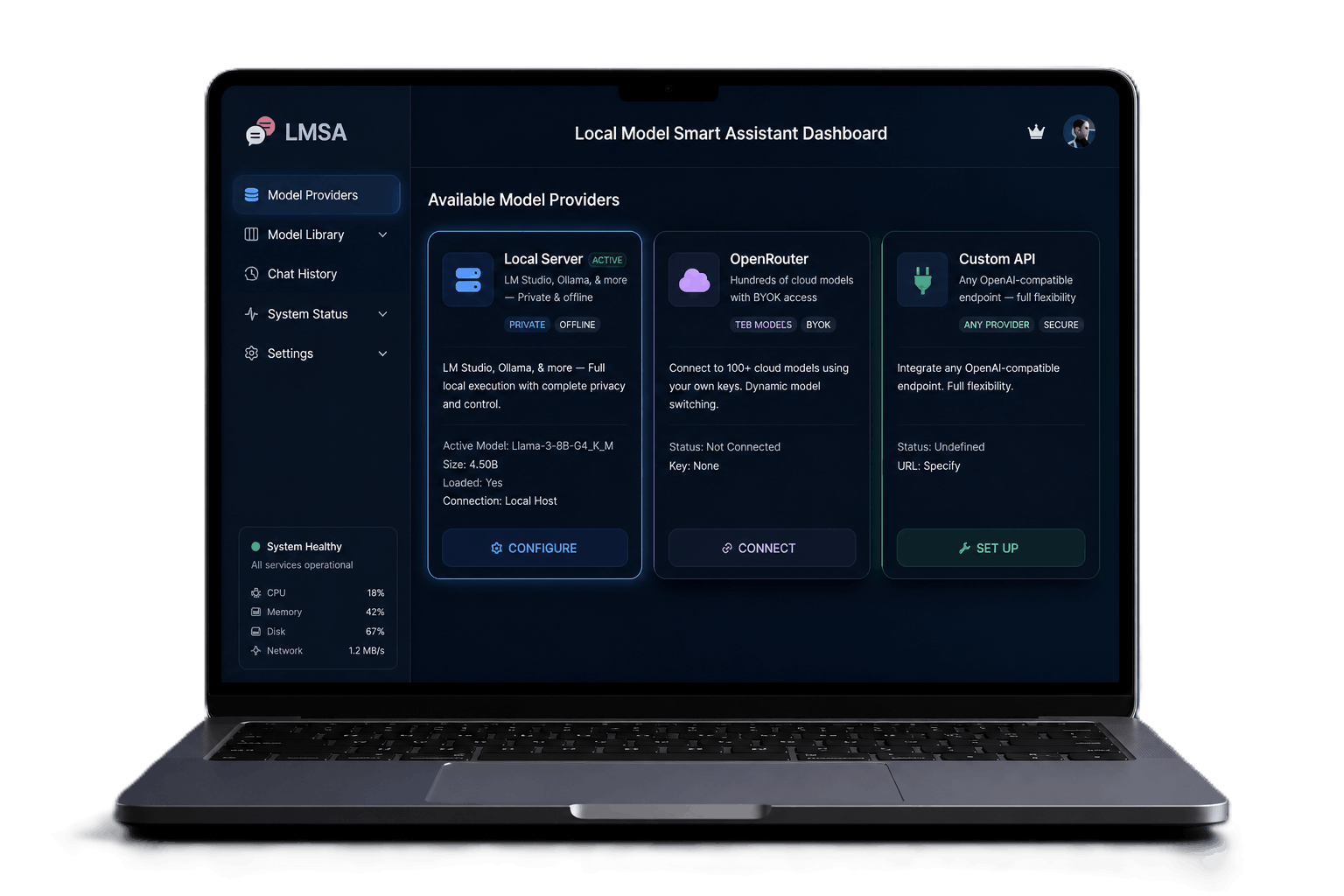
Private & Local AI In the palm of your hand.
A feature-rich environment designed specifically for interacting with the world's most advanced LLMs on mobile.
Local Server Connection
Text-To-Speech
Privacy-First by Design
Set Up in 60 Seconds
LMSA connects directly to your own servers. Here is how simple it is to get started.
Connect to LM Studio
- Launch LM Studio on your local PC.
- Load a GGUF model and start the local server (on port 1234).
- Ensure your PC and phone are on the same Wi-Fi network.
- Copy the server URL and paste it into LMSA settings.
Connect to Ollama
- Ensure Ollama is running on your PC.
- Set OLLAMA_HOST environment variable to 0.0.0.0 (allows external connections).
- Ensure your PC and phone are on the same Wi-Fi network.
- Enter your PC's local IP address (port 11434) in LMSA.
Frequently Asked Questions
What is LMSA?
LMSA (LM Studio Android) is a mobile interface designed to connect directly to local LLM engines (like LM Studio or Ollama) or cloud providers (like OpenRouter) so you can run AI chat securely on your mobile device.
Is it free?
Yes, the core app features are completely free. You can unlock premium enhancements (like templates, custom endpoints, biometric lock, TTS) with a one-time purchase of $14.99.
Where is my data stored?
All chat histories, API keys, and configurations are stored securely on your local Android device. We have no external databases or analytics logging your chats.
How does Brave Search work and protect my privacy?
LMSA features an optional Web Search powered by Brave Search to retrieve real-time context from the live web. Brave Search operates on its own independent index and is designed from the ground up for privacy: it does not track your search queries, save your search history, or build personal profiles. All queries are sent over secure HTTPS connections, and LMSA does not attach any personally identifiable info, keeping your searches private and anonymous. For more details, see our Support page and Privacy Policy.