Local Server Auto-Discovery
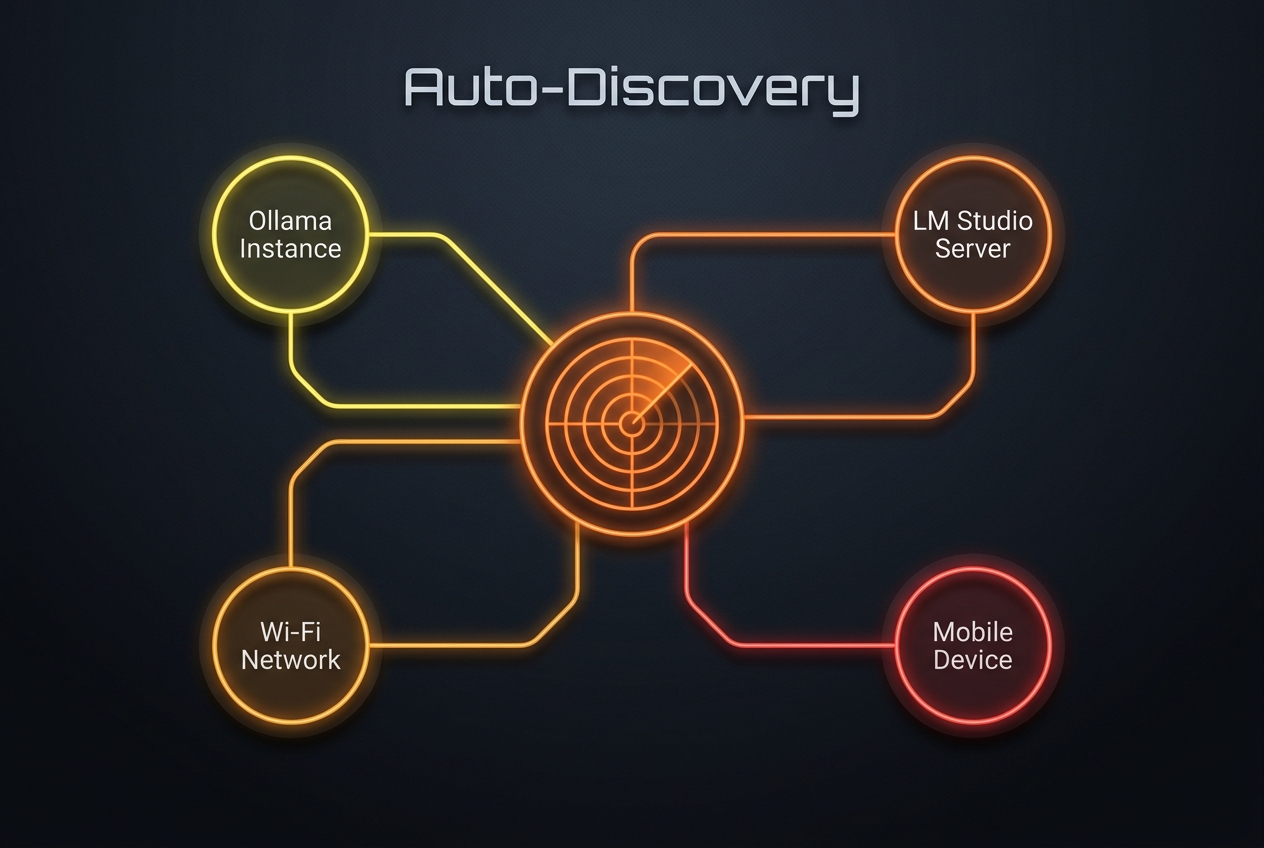
Skip the complex network configuration. Automatically scan and pair your mobile device with LM Studio or Ollama running on your home network in seconds.
Why Local Auto-Discovery is a Game Changer
Zero Configuration Setup
Forget typing long IP addresses or looking up hostnames. LMSA scans your local subnets and port interfaces, auto-filling standard local server settings instantly.
Smart Subnet Scanning
LMSA executes parallel network connection handshakes across your Wi-Fi router subnet, safely locating open LLM API servers without slowing down your network.
LM Studio & Ollama Support
The scanner is optimized to check specific port fingerprints (Ollama port 11434 and LM Studio port 1234), identifying which server is active and serving model calls.
100% On-Device & Private
No data is sent to external servers or cloud services. The scanning process is completely on-device and respects all local router privacy protocols.
[NOTE]