Feature Spotlight

AES-256 On-Device Data Encryption

Your conversations are your private property. Protect your chats, configurations, and API keys with military-grade at-rest database encryption managed locally by hardware security modules.
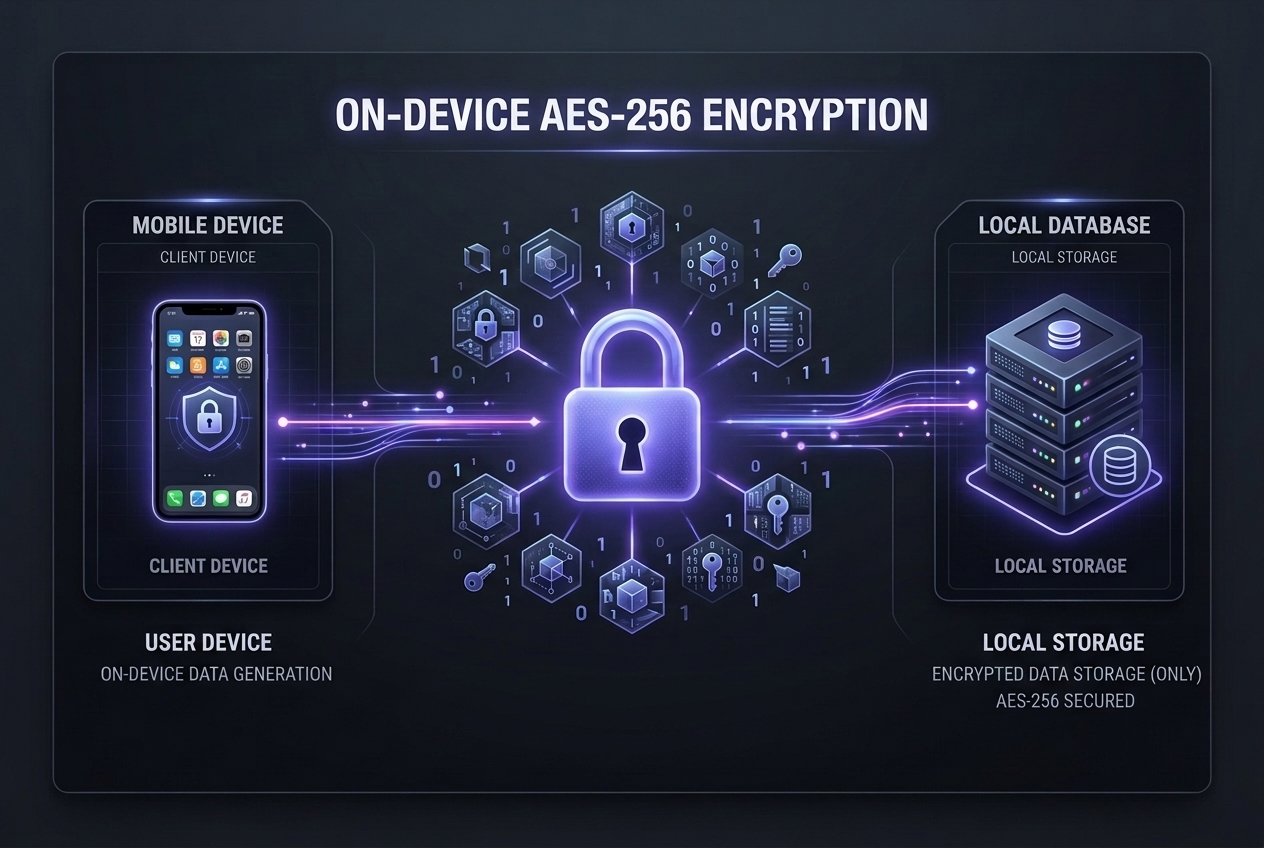
A tech diagram titled 'On-Device AES-256 Encryption' showing client-side data generation secured with an indigo padlock and stored encrypted in a local database.

Why Local Data Encryption Matters

AES-256 Cryptographic Lock

LMSA uses Advanced Encryption Standard with 256-bit key lengths in Galois/Counter Mode (GCM). This secures the database at rest and protects against data modification tampering.

Hardware Keystore Integration

Encryption keys are tied directly to your Android device hardware security layer (TEE/StrongBox). Keys are kept isolated and are never written to disk or shared on-screen.

Zero Cloud Leakage

Unlike traditional apps that backup database schemas or keys to cloud services, LMSA keeps everything strictly on-device, offering physical sandboxed security boundaries.

App Lock Biometrics

Gain protection from physical intruders. Secure your chats with Android biometric hooks (fingerprint/face recognition) so that the app cannot be launched without your biometric signature.

[NOTE]

Backup Notice: Because encryption keys are managed strictly by your phone's Keystore, uninstalling LMSA or resetting your phone will permanently delete your local databases. We recommend manually exporting important chat logs if you plan to switch devices.

Frequently Asked Questions

LMSA encrypts all locally stored user data at rest. This includes your complete chat history, custom personas, developer system prompt templates, API endpoint credentials (such as OpenRouter keys), and general app configuration preferences.
The AES-256 encryption key is generated locally on your phone using a cryptographically secure random number generator. The key is securely managed inside the Android Keystore system. On compatible modern devices, it is backed by hardware isolation (TEE or StrongBox HSM), meaning the key cannot be extracted or read by other apps, root users, or the OS itself.
No. In alignment with our strict privacy-first architecture, LMSA does not operate synchronization servers and does not run cloud backups. Your encrypted database resides 100% on your physical device. If you uninstall the app or lose your phone, your chat history cannot be recovered, ensuring absolute data custody and ownership.
Yes. Premium users can toggle App Lock, which adds a physical authentication barrier. Every time you open LMSA, it will prompt for your fingerprint, face unlock, or device lock PIN/pattern. This keeps your local chat database secure from local snooping even if someone else holds your unlocked phone.