
It's the first question almost everyone asks when they find out I write about local AI: "So can you just... run ChatGPT on your own computer?" Sometimes it's about privacy. Sometimes it's the subscription price. Once, memorably, it was because the person lived somewhere with rural internet that dropped out every evening and they were tired of losing half-written prompts.
Whatever the reason, the question deserves a straight answer, because the honest one has two parts that sound contradictory at first.
No, you cannot run ChatGPT itself locally. Yes, you can run something remarkably close to it, for free, on hardware you probably already own. The gap between those two sentences is where this whole article lives.
The Short Answer
ChatGPT is a product of OpenAI, and the models behind it have never been released for download. There is no offline ChatGPT installer, no ChatGPT APK with the brain included, no torrent. Anyone selling you one is selling a wrapper around the online service, or worse.
But OpenAI is one company among many. Meta, Alibaba, Google, Mistral, and DeepSeek have all released "open-weight" models that you can download and run on your own machine, completely offline, with no account and no meter running. Names to know: Llama, Qwen, DeepSeek, Gemma, Mistral. For everyday tasks like drafting, summarizing, answering questions, and helping with code, current versions are genuinely good. Not identical to ChatGPT, and in a few areas still behind it. Closer than most people expect, though, and improving every few months.
The rest of this article explains what "running it locally" actually means, what hardware you need, and where the honest limits are.
Why You Can't Download the Real ChatGPT
A quick detour for anyone who's wondered why this is even a question. ChatGPT isn't software in the normal sense. When you type a prompt, it's a neural network responding: hundreds of billions of trained numerical parameters, usually called "weights," plus the code that runs them.
OpenAI published the code ideas in research papers years ago. The weights, though, are the product. They cost enormous amounts of money and compute to train, they're the company's entire moat, and the license has always forbidden taking them home. That hasn't changed.
So "running ChatGPT locally" is off the table, full stop. What people usually mean, once the disappointment fades, is one of these:
- "I want AI on my computer without sending my data anywhere." Possible.
- "I want AI without a subscription." Possible.
- "I want AI that works with no internet." Possible.
- "I want exactly GPT-something running on my laptop." Not possible, and I'd rather tell you that up front than bury it on page four.
What You Can Run Instead
Open-weight models are the real answer, and they've had a good couple of years. A tour of the big families:
- Llama is Meta's line, and it kick-started this whole wave when the weights leaked in early 2023. The current generations are strong all-rounders in sizes from small enough for a phone to large enough to need a workstation.
- Qwen, from Alibaba, has quietly become the community favorite for the sweet spot of capability per gigabyte. If someone says "just run Qwen," they're usually right.
- DeepSeek made headlines with R1, a reasoning model trained at a fraction of the usual budget. The full R1 is datacenter-sized, but DeepSeek also released "distilled" versions, where the reasoning behavior was taught to small models that run on ordinary gaming PCs.
- Gemma is Google's open-weight line, and Mistral, a French lab, ships models that punch above their size, especially in European languages.
None of these are ChatGPT. All of them are the same species of technology, and the everyday-task overlap is large. A useful mental model: think of ChatGPT as a top-tier restaurant, and local models as a well-stocked kitchen at home. You give up the tasting menu. You gain full control of the ingredients, the bill is electricity, and it's open whenever you are.
For a deeper dive on judging these models, we've written a beginner's guide to open-weight models and leaderboards.
What Hardware You Actually Need
This is where most "run AI locally" tutorials either oversell or undersell, so here are real tiers:
| Your hardware | What runs well | Example |
|---|---|---|
| Any laptop, 8GB RAM, no GPU | Small models (1–4B) for chat and drafts | Gemma small, Qwen small |
| Gaming PC, 8GB VRAM | 7–8B models, the everyday sweet spot | Qwen 8B, Llama 8B at Q4 |
| 16GB+ VRAM or a newer Mac | 14–32B models, noticeably sharper | Qwen 32B, DeepSeek distills |
| 24GB+ VRAM or Mac Studio | 70B class, genuinely close to cloud quality for many tasks | Llama 70B |
Two terms make those rows make sense. "Q4" refers to quantization, which is compression for models: it shrinks them to a fraction of the size with a small quality cost, and it's the reason an 8GB graphics card can run an 8-billion-parameter model at all. And when you see "7B" or "8B," that's the parameter count, which is a rough proxy for how smart and how hungry a model is.
If your machine is somewhere in the middle and you're not sure what fits, our guide to RAM and VRAM requirements has the exact numbers. If it's on the lower end, don't write local AI off: small models have improved faster than big ones, and a 4B model on an old laptop is a genuinely usable assistant for writing and summarizing.
How to Set It Up (Two Paths, Both Easy)
You need two things: a tool to run models, and a model to run.
- Path one: Ollama. Install it, open a terminal, and type
ollama pull qwen3, thenollama run qwen3. That's the entire tutorial. We have a complete Ollama setup guide for Windows and Mac if you want the longer version with screenshots. - Path two: LM Studio. A graphical app where you search models, click download, and chat in a clean interface. It even warns you if a model won't fit your hardware before you waste the download. Our beginner's install guide covers Windows, Mac, and Linux.
Both are free. Both run completely offline after the model downloads. Pick whichever matches your temperament: typing commands, or clicking buttons. There's no wrong answer, and you can switch later without losing anything.
The first download is the slow part; models run several gigabytes. After that, starting a chat takes seconds, and nothing you type ever leaves the machine.
What About Your Phone?
Phones are where I most often see bad advice. Yes, you can run tiny models directly on an Android device, and it's a fun party trick. On anything but a flagship, it's also slow, it murders your battery, and the small models it can carry are noticeably dimmer than what your PC runs.
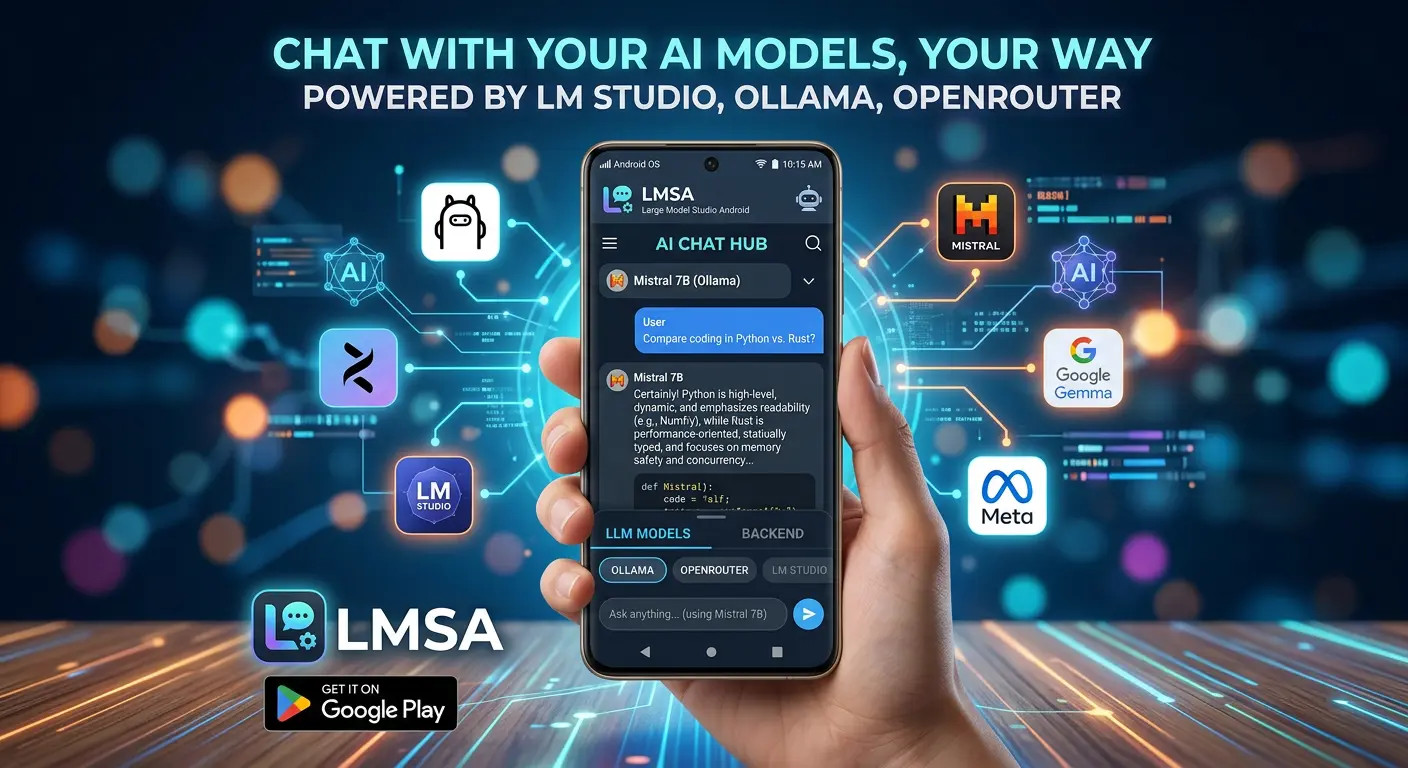
There's a better setup, and it's the reason this blog exists. Your computer runs the model. Your phone just talks to it. Both Ollama and LM Studio expose a local API over your Wi-Fi network, and an app like LMSA connects to either one. You type (or talk) on your phone, the model thinks on your PC's graphics card, and the answer lands in your pocket. Full privacy, since the conversation never leaves your home network, and your phone's battery never notices.
We have step-by-step guides for both: connecting Ollama to Android and connecting LM Studio to Android. And if you want your home AI available at the coffee shop too, a Tailscale tunnel extends the same private setup anywhere.
So How Close Is It, Really?
Here's my honest scorecard after a year of using local models as a daily driver, alongside the cloud ones.
- Where local wins, clearly: Privacy that needs no asterisks, no monthly bill, no rate limits, no anxiety about what happens to whatever you pasted in. Availability, too. My home server has never had an outage, shown me a capacity error, or changed its terms of service on me.
- Where local holds its own: Drafting and rewriting text, summarizing documents, brainstorming, explaining things at whatever level you ask, and a surprising amount of coding help. An 8B model on a mid-range GPU does these so well that for routine work I often don't miss the cloud at all.
- Where cloud still leads: The hardest reasoning problems, questions about events from last week, very long documents that need a giant context window, and anything where you want the absolute ceiling of quality rather than the practical one. Frontier models are still frontier models.
The honest summary: for most of what most people actually type into a chatbot, a current local model is good enough that the difference stops mattering. That sentence would not have been true in 2024. It gets truer every quarter.
What It Costs
The models are free to download under permissive licenses. Ollama and LM Studio are free. There's no account, no trial, no upsell.
The running cost is electricity. A gaming PC working hard might pull 200–400 watts; depending on your rates, that's pennies per hour, and idle draw when you're not using it is what your machine already costs. Compare that to a ChatGPT Plus subscription over a year and local usually pays for itself inside a couple of months, though I'll admit the math depends on how much you actually use the thing.
The real cost is a one-time hit of patience: the first setup evening, maybe an hour of fiddling if your hardware is unusual. After that it's maintenance-free in a way cloud services never quite are.
FAQ
Can I run ChatGPT on my PC for free?
Not ChatGPT itself; OpenAI doesn't distribute its models. You can run open-weight alternatives like Llama or Qwen for free on any PC from the last several years.
Can I run ChatGPT locally on my phone?
No. The closest phone option is running small open-weight models directly on Android, or the smarter route: run the model on your PC and chat with it from your phone over Wi-Fi using LMSA.
Is there an open-source version of ChatGPT?
There's no copy of ChatGPT, but there are open-weight models of the same type. Llama, Qwen, DeepSeek, and Gemma are the best-known families, and several are free even for commercial use.
Can I download GPT-4 or newer OpenAI models?
No. The weights have never been published, and the license has always prohibited it. Anything claiming otherwise is a wrapper around the paid API.
Does local AI work without internet?
Yes, fully. You need internet once, to download the model. After that you can go offline permanently and it will not care.
Is a local model as good as ChatGPT?
For everyday tasks like writing, summarizing, and Q&A, current 8B–32B local models are close enough that many people stop noticing. For the hardest reasoning and the latest world knowledge, the big cloud models still lead.
The Bottom Line
You can't run ChatGPT locally, and anyone who tells you otherwise is selling something. You can run Llama, Qwen, DeepSeek, or Gemma on hardware you already own, offline and unmonitored, free of subscriptions and rate limits, and get answers that are good enough for most of what you actually ask an AI on a Tuesday.
Start with Ollama or LM Studio on your computer tonight. Then, when you catch yourself walking over to the desk to ask it something, install LMSA and let the model follow you around the house. That's the moment most people stop asking about ChatGPT.