
If you've been using LMSA to run private, local AI chats on your Android device, you already know the app was built around one core idea: your conversations with AI should stay yours, not get shipped off to some server you'll never see. Today we're expanding who gets to enjoy that experience, because privacy shouldn't be a feature reserved for English speakers.
LMSA is now available in Spanish, Russian, German, and Simplified Chinese.
Why This Matters
We built LMSA to make local LLMs and private AI chat approachable for anyone who cares about keeping their data on their own terms. But "anyone" is a big word, and for a long time our interface only really spoke to English speakers. That never sat right with us.
A huge part of our community lives outside English-speaking countries, tinkering with LM Studio and Ollama setups, running models like Llama, Mistral, Qwen, and DeepSeek entirely on their own hardware. They deserved an app that felt like it was built for them too, not just translated as an afterthought.
So we sat down, did the work, and rebuilt the LMSA interface to support four new languages from the ground up.
What's New
Starting with this release, you can switch LMSA into:
- Spanish (Español)
- Russian (Русский)
- German (Deutsch)
- Simplified Chinese (简体中文)
Every menu, setting, and prompt across the app has been localized, not just the buttons that were easy to translate. Whether you're setting up a connection to your local LM Studio server, configuring an Ollama endpoint, or exploring the voice assistant features, the experience should now feel natural in your own language.
How to Switch Languages
Changing your language in LMSA takes just a few taps:
- Open LMSA and head into Settings
- Look for the Language option
- Pick the language you want from the list
- That's it. No restart, no fuss.
Your app preferences, chat history, and connections all stay exactly where you left them. This is purely about how the app talks to you, not what it remembers.
We're Not Stopping Here
Four new languages is a solid milestone, but it's a starting point, not a finish line. We're already scoping out additional languages to bring into LMSA in future updates, and we want your input. If there's a language you'd love to see supported, or you notice a translation that feels a little off, we genuinely want to hear about it.
You can reach out anytime at this form, or drop feedback directly through the app.
Try It Out
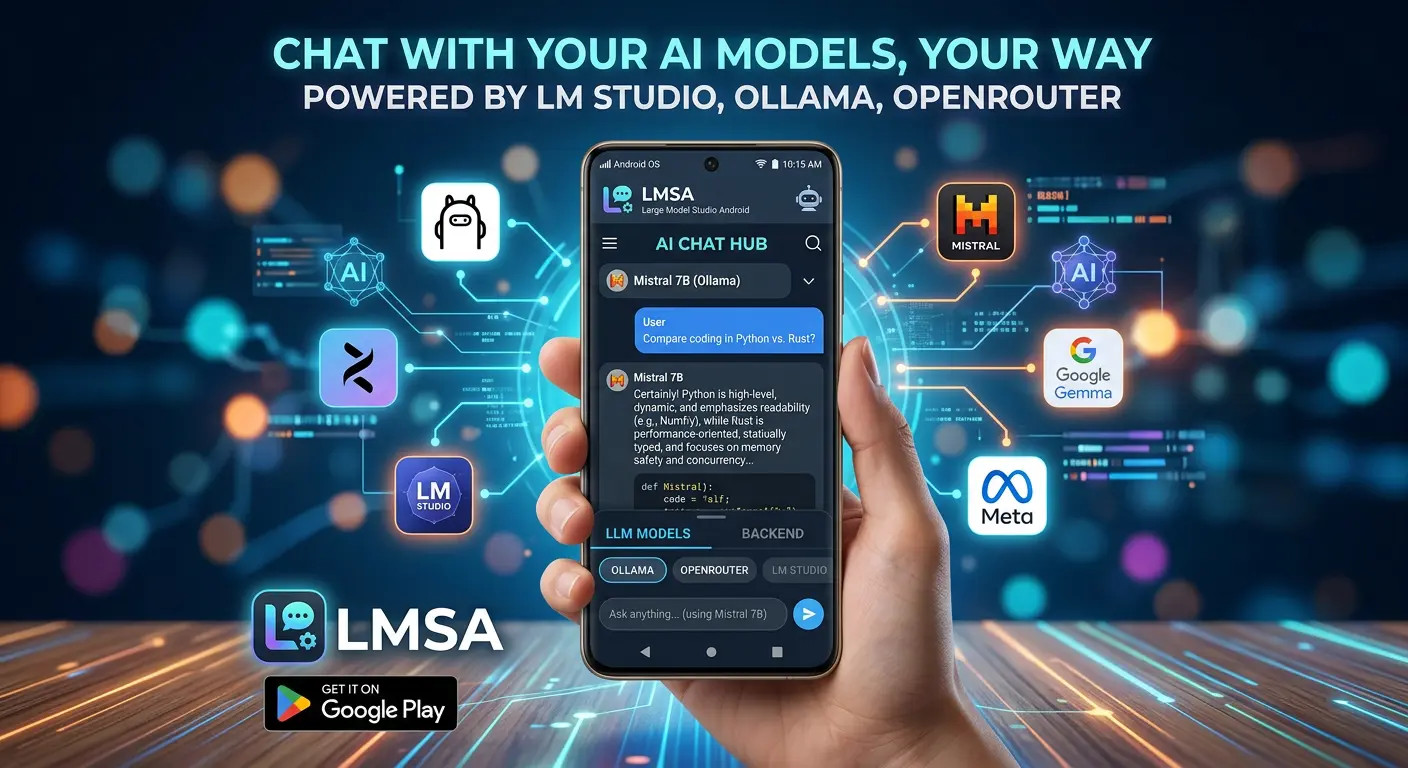
If you haven't given LMSA a spin yet, now's a great time. It's a free, privacy-first way to chat with local models through LM Studio or Ollama, or connect to cloud models via OpenRouter, all without your conversations ever leaving your control.
Head over to lmsa.app to learn more or grab the app, and if you're already a user, just update to the latest version to see your new language options waiting for you.
Thanks for being part of the LMSA community, in whatever language you speak it.