
Every "chat with your PDF" tool works the same way, and step one is always the part nobody likes to think about: you upload your document to someone else's server.
Your contract. Your medical records. That unpublished manuscript. A client's financials. It all goes up to a data center somewhere, gets processed by systems you can't see, and lives under a privacy policy you didn't write. Most of these services promise they won't train on your data or that they'll delete it after 30 days. Maybe they do. You have no way to verify any of it.
I built LMSA because I had questions I didn't want floating around anyone's data center. Documents felt like the natural next step — because if your questions deserve privacy, your files definitely do.
Here's the good news: you can chat with your PDFs from your Android phone without uploading them anywhere. Not "uploaded but encrypted." Not "uploaded but deleted later." Never uploaded, period.
Why uploading documents to AI tools is risky
Let's be concrete about what actually happens when you drop a PDF into a typical cloud AI tool:
- Your file lands on infrastructure you don't control. Even with good intentions, breaches happen — and document stores are high-value targets.
- "We don't train on your data" is a policy, not a physics law. Policies change with acquisitions, leadership, and terms-of-service updates you'll never read.
- Metadata travels with the file. Author names, edit history, and revision trails embedded in PDFs can leak more than the text itself.
- Compliance gets murky. If you handle client, patient, or student documents, uploading them to a third-party AI service can violate obligations you didn't even realize applied.
None of this requires believing tech companies are villains. It just requires noticing that the safest place for a sensitive document is somewhere it was never sent.
The alternative: your documents never leave your network
The technique behind "chat with your PDF" is called RAG — retrieval-augmented generation. In plain English: instead of the AI trying to remember your document from its training, it reads the relevant pages at answer time and grounds its response in them. That's why it can quote sections back to you instead of hallucinating.
Here's the key insight most people miss: RAG doesn't require the cloud. The whole pipeline — reading the document, finding the relevant passages, generating the answer — can run on hardware you own:
- Your document is read and indexed on your own computer (running Ollama or LM Studio).
- Your Android phone running LMSA connects to that computer over your own Wi-Fi.
- You ask questions from your phone. The answers come back from your machine. Nothing crosses the internet at all.
Your phone is essentially a remote control for an AI that lives in your house. That's the entire architecture, and it's why the privacy story is so strong — there's no server in the middle to trust.
What you need
- An Android phone with LMSA installed (free on Google Play).
- A computer on the same Wi-Fi network running Ollama or LM Studio with a capable model loaded. An 8B-parameter model at Q4 quantization is the sweet spot for document Q&A on consumer hardware.
- Your PDFs. Contracts, manuals, research papers, ebooks — whatever you want to interrogate.
If you've already connected LMSA to Ollama or LM Studio, you're most of the way there. If not, the setup takes about ten minutes: install the server, load a model, and let LMSA auto-discover it on your network.
How it works in practice
Once your phone is talking to your local server, document chat feels exactly like normal chatting — except the AI actually knows your file:
- "What does section 4 say about termination?" — it finds the clause and quotes it.
- "Summarize the methodology in plain English." — grounded in the paper, not a guess.
- "List every date mentioned in this contract." — extracted from the text in front of it.
- "Explain this diagram like I'm new here." — with a vision-capable model, even figures and scanned pages work.
Because retrieval happens against your local machine, you can ask follow-up questions naturally — "and what about the penalty clause?" — and it keeps the document context across the conversation.
Where it's genuinely great (and where it struggles)
I'll be straight with you, because local AI has real limits and I'd rather you hear them from me:
Genuinely great at:
- Contracts and agreements — find clauses, compare terms, flag dates
- Technical manuals — "how do I reset X?" answered from the actual manual
- Research papers — summaries, methodology questions, finding specific results
- Long reports — "give me the three things that matter in this 80-page PDF"
Honestly struggles with:
- Bad scans. If your PDF is just photos of pages with no text layer, the model needs OCR or vision support first. Text-based PDFs work far better.
- Weak hardware + huge documents. A massive document on a 4GB VRAM GPU means slower, sometimes dumber answers. Right-size your model to your machine.
- Small-model overconfidence. A 3B model will sometimes answer smoothly about a passage it half-read. For anything that matters — legal, medical, financial — verify against the quoted text. Always.
That last point applies to cloud AI too, by the way. The difference is that when your local model gets something wrong, at least your document didn't take a trip through someone's data center first.
Five questions to try first
If you want to feel what this is like, open any PDF you have handy and ask:
- "Summarize this document in five bullet points."
- "What are the key dates or deadlines mentioned?"
- "What does it say about [payments / termination / warranties]?"
- "Is there anything in here that seems unusual or worth flagging?"
- "Explain the most complicated section like I'm smart but new to this topic."
Question 4 is my favorite. It's the one that makes people realize they're not just searching a document — they're getting a second pair of eyes that has actually read the whole thing.
The privacy payoff
Here's the threat model, stated plainly: with this setup, your document exists in exactly two places — the computer you own and the phone in your pocket. Nobody's terms of service apply. Nobody's retention policy matters. There's no "delete my data" button because there's no their data to delete.
That's not paranoia. That's just what ownership looks like when you keep the whole pipeline at home.
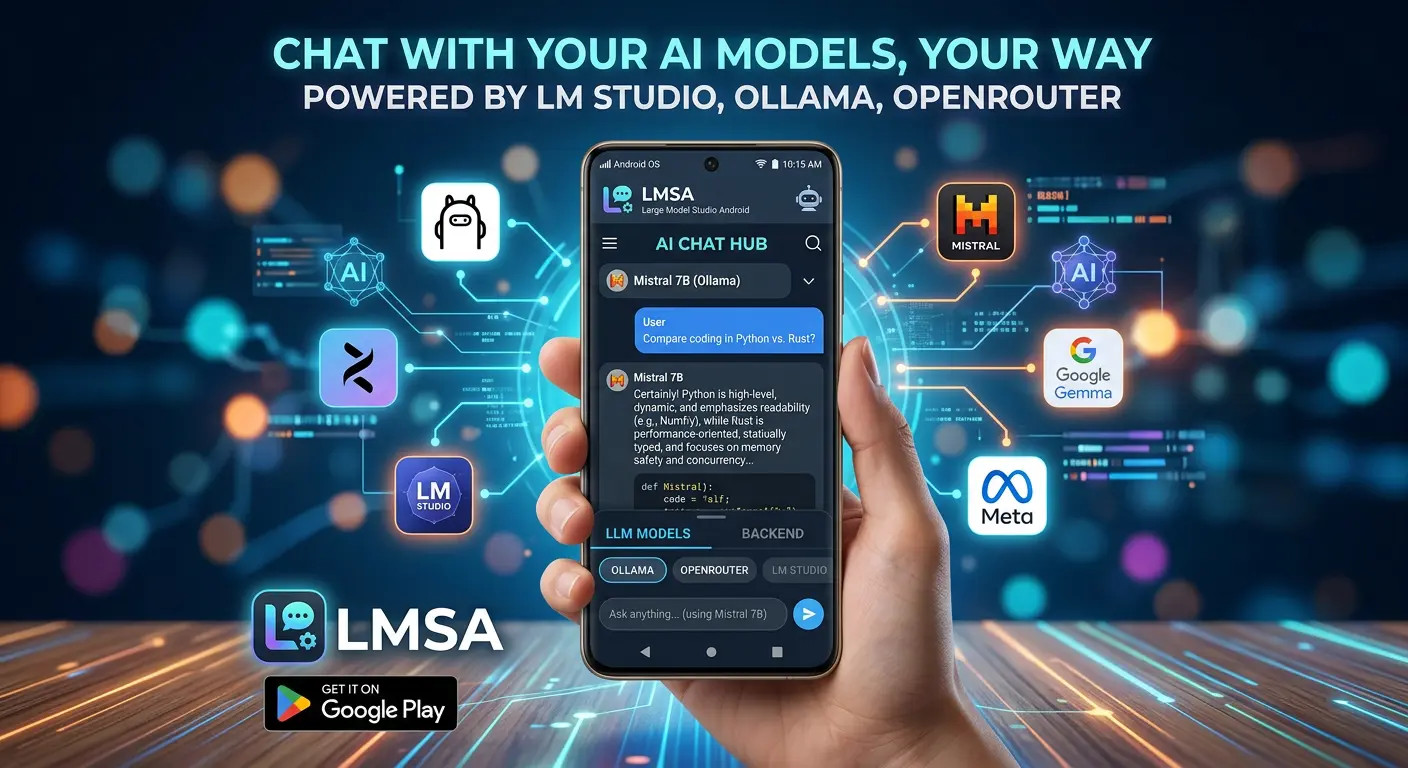
Try it yourself: LMSA is free on Google Play, works with Ollama, LM Studio, and OpenRouter, and keeps every conversation on hardware you control. Your documents — and your questions about them — stay yours.
What's the first PDF you'd interrogate? The one you've been meaning to actually read is usually the best place to start.