
Perplexity took a smart move to unify AI chatting and web search: ask a question, it looks things up for you, and returns an answer in text form, not ten blue links. It's hard to go back to other platforms after trying this.
The catch is what you're signing up for. Every question you ask, including your health, finances, job prospects, and half-baked business plan, is on someone else's servers, associated with your account. Good tier for around $20 a month, and a selection of models and limitations from the host.
Another way to achieve the same end result: a self-hosted Perplexity alternative made from a private language model, a privacy-focused search engine that gives it context from the live web, and an Android app that puts it all together and sends it to your phone. This guide describes exactly how to do it, what you'll have, and the limitations of it compared to the real Perplexity.
What a "Perplexity Alternative" Actually Needs
A model that can read text and write a coherent answer to a question, a search source to provide fresh information from the live internet, and an interface to ask the questions and read the results make up a generic AI answer engine.
Language models have a fundamental limitation that search helps to overcome. A model only knows what it learned before its training ended. Ask a local model about the latest news, a product launched this month, or the weather today, and it will either say it doesn't know, or confidently make up an answer. Feed it search results, and it can reason over fresh information instead of relying on old training data.
And every single component of it can run on hardware you already possess.
The Private Stack: Three Components
Here's a description of the stack this article covers:
- The brain: a local LLM on your PC. LM Studio or Ollama run open-weight models such as Llama, Qwen, Gemma, or DeepSeek on your own GPU or CPU. Nothing about your conversation is shared with a model provider.
- The eyes: Brave Search provides live results to the model when web search is toggled on. Your questions are routed to Brave's search index for context.
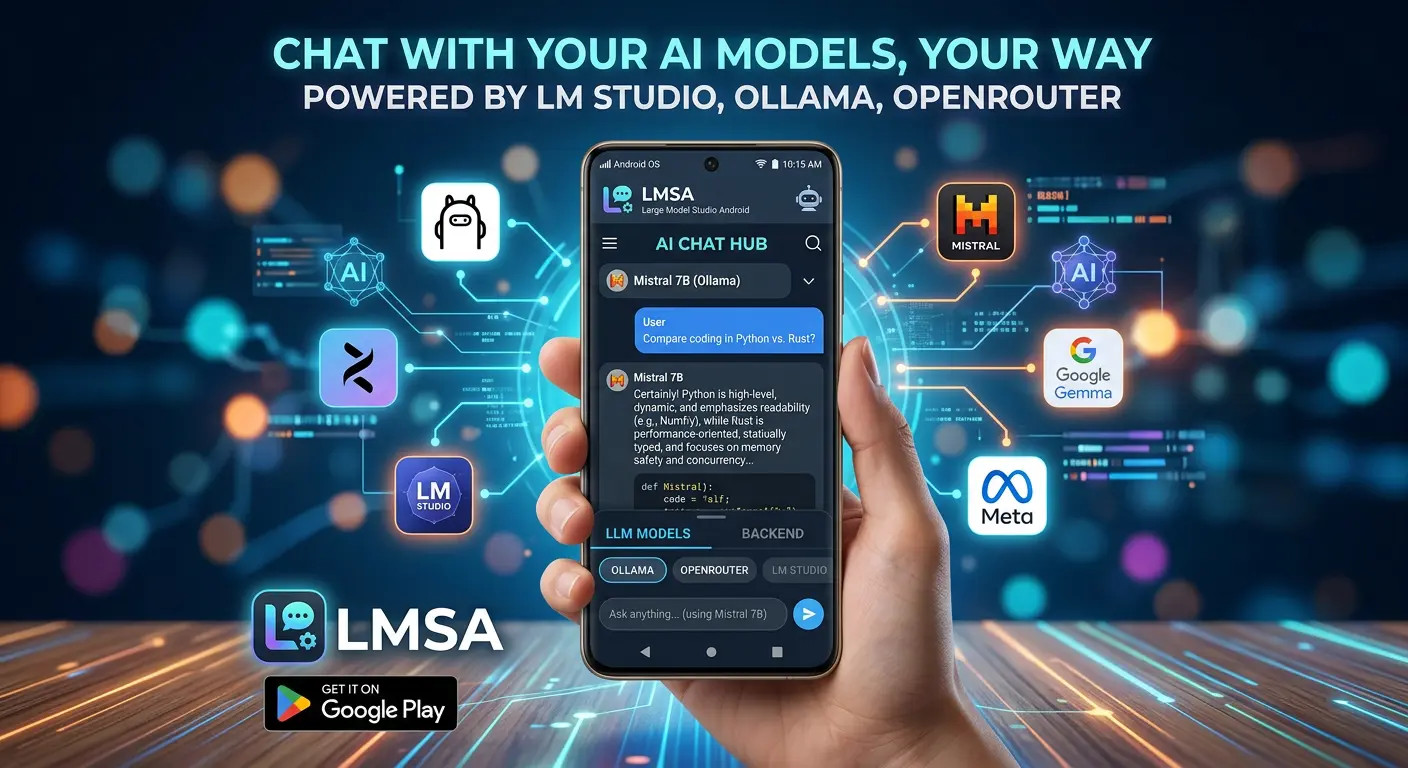
- The interface: LMSA on Android provides access to the model on your PC over your home Wi-Fi, with an optional Web Search toggle for questions that require live results from the live web via Brave Search.
Your computer does the heavy lifting, and your phone is the user interface. If you've followed our guide to running ChatGPT-style AI locally, you've seen the model part of this. Web search is the missing piece that makes "a private chatbot" into "a private research assistant."
Why Brave Search?
Choosing the search layer is something most DIY guides tend to glide over, and it's the vital part. If your model is otherwise private, but you're routing all your queries through a search engine that builds a profile on you, you've already leaked.
Brave Search runs its own independent web index instead of reselling another's results, and they claim that they do not track your queries, save your search history, or build personal profiles. Queries in LMSA are sent via secure HTTPS and LMSA never appends any personally identifiable information to them.
That's the truth of "privacy" in this stack, and it's worth stating up front: it's a privacy-respecting search provider. We'll go into exactly what does and does not leave your network further down, now that you know how important it is.
Step-by-Step: Set It Up in About 15 Minutes
Step 1: Run a model on your computer. Install LM Studio or Ollama and download a model. Not sure which is right for you? Our comparison of Ollama vs LM Studio explains the differences, and either works fine with LMSA. Both are free.
Step 2: Allow your server to accept connections from your phone. In LM Studio, enable "Serve on local network" after starting the server. In Ollama, set it to listen on all interfaces (on Windows, that's the "Expose Ollama to the network" setting). Make sure your phone and computer are on the same Wi-Fi. Full walkthroughs: connect LM Studio to Android and connect Ollama to Android.
Step 3: Install LMSA and connect. Get LMSA from Google Play. Its Auto-Discovery scans your network for LM Studio or Ollama and pairs in a tap, or you can type in your computer's address manually. If anything refuses to connect, our 10 fixes for connection problems covers the usual suspects.
Step 4: Enable Web Search. Open LMSA's Settings and toggle Web Search on. That's the whole step. There's no API key to paste and no extra account to create.
Step 5: Ask something that needs the internet. Try a question a model couldn't possibly answer from memory: "What changed in the latest release of [some software you use]?" or "What's the current status of [a news story]?" Your question goes to your local model, live search context comes in from Brave, and the model writes the answer.
You now have a private search assistant. No subscription, no account, and no company holding a log of everything you've ever wondered.
The Best Use Cases Are Obvious
The best use cases have a common theme: you want current information, and you'd rather not have anyone know why.
- Checking recent facts. News, releases, changelogs, event dates, and "is this still true?" questions, all things a static model gets wrong on its own.
- Research you'd rather keep quiet. Medical symptoms, legal questions, financial decisions, and job searches. Topics where a profile built from your queries is the last thing you want.
- Quick comparisons and lookups. Specs, alternatives, "what's the difference between X and Y" questions that need up-to-date answers.
- Troubleshooting. Error messages and version-specific problems, where the fix changed six months ago.
- Everyday curiosity. The small stuff you'd normally type into a search bar, but with an answer instead of a results page.
Pair it with your model's own strengths, like summarizing, explaining, and drafting, and the assistant can search first, then help you do something with what it found.
Getting Better Answers From Your Private Search Assistant
A few habits make all the difference:
Ask specific questions. "Tell me about electric cars" gives search little to work with. "What's the current federal EV tax credit situation?" gives it something to find.
Include time cues. Words like "latest," "this week," or "as of this month" signal that the answer depends on fresh information.
Choose a capable model. The model has to read the search context and synthesize it, so instruction-following quality matters. Mid-size models in the 8B to 32B range handle this well on a decent gaming PC. If you need help choosing, our beginner's guide to LLM leaderboards explains how to compare open-weight models without drowning in benchmarks.
Spend your searches on purpose. Free users get 2 web searches per day, so it pays to save them for questions that truly need live data. Everything else, like writing, coding help, and explaining concepts, works great without a search.
Verify anything important. Any AI answer, local or cloud, can be wrong. For decisions that matter, treat the response as a fast first pass and confirm the details at the source.
How It Compares to Perplexity, Honestly
Let's get real about this. Perplexity is a polished, well-funded product with its own retrieval systems and a lineup of top-tier cloud models. A home-built stack is a different thing: same core idea, different trade-offs.
| Perplexity | LMSA + local LLM + Brave | |
|---|---|---|
| Where your prompts are processed | Perplexity's cloud | Your own computer |
| Search provider | Perplexity's own pipeline | Brave Search |
| Model choice | The models the service offers | Any open-weight model you can run |
| Chat history | Tied to your online account | Encrypted on your phone, no cloud sync |
| Cost | Free tier with limits; Pro about $20/month | Free with 2 searches/day; Premium is a one-time $14.99 |
| Works offline | No | Chat, yes. Web search, no |
| Strongest at | Deep, polished, cloud-scale research | Privacy, control, and zero recurring fees |
If you want the absolute ceiling of research quality and don't mind the cloud, Perplexity is a fine product. If your priority is that your questions stay yours, that you pay once instead of monthly, and that you get to pick the model, the private stack wins on the things that matter to you.
What Actually Leaves Your Network
Privacy claims demand specifics, so here they are:
- Your conversation with the model stays on your home network, between your phone and your computer. It's never sent to a model company.
- Your chat history is stored on your phone and encrypted with AES-256 on-device encryption. There's no cloud sync.
- The local Wi-Fi link between your phone and your PC isn't encrypted, which is normal for local networks. Use it on networks you trust.
- Web search queries do leave your network. That's the point: to search the web, something has to reach the web. Those queries go to Brave Search over HTTPS. Since a search query is still a search query, avoid pasting sensitive personal details into a chat where you're using web search.
The rule of thumb: chat with the model however you like, and treat a search-enabled question the way you'd treat typing into a private search engine. It's much better than a profile-building alternative, but it's still a search. Details are in our privacy policy.
The Cost Math
Perplexity's Pro plan runs about $20 a month, which is $200 to $240 a year. LMSA is free to download and use, with limited web search, and Lifetime Premium is a one-time $14.99 that unlocks unlimited web search, removes ads, and adds features like offline mode, file attachments, and text-to-speech. Your only ongoing cost is the electricity your computer uses while it thinks. See the full Free vs. Premium breakdown.
Take It Anywhere With Tailscale
By default, a home-hosted model only works when you're home. If you want your private search assistant at the coffee shop or on the commute, set up Tailscale to securely reach your computer from anywhere, with no port forwarding needed. Your model still runs on your hardware, and your phone simply reaches it through an encrypted tunnel.
FAQ
What is the best private alternative to Perplexity?
If privacy is your priority, a self-hosted setup is your best bet: a local LLM running through LM Studio or Ollama on your own computer, with a privacy-focused search engine like Brave Search supplying live results via an optional Web Search feature, accessed from your phone with LMSA.
Can a local LLM search the web?
Not on its own. A local model only knows what it learned during training. It needs a search layer to fetch current information. LMSA adds one through an optional Web Search feature, powered by Brave Search, so your local model can answer questions about recent events.
Is Brave Search really private?
Brave Search runs its own independent index and states that they do not track queries, save your search history, and do not build personal profiles. Queries in LMSA are sent via secure HTTPS and LMSA never appends any personally identifiable information to them. Your query still travels to Brave, so it's private in the sense of not being profiled, not in the sense of never leaving your network.
Does LMSA's web search cost anything?
Users get 2 web searches per day on the free plan. Premium ($14.99, one-time) gives unlimited searches, subject to the Fair Usage Policy.
Do I need an API key for Brave Search?
No. In LMSA you enable Web Search with a toggle in Settings.
Can I use it without a powerful computer?
A mid-range gaming PC comfortably handles the popular 7B to 8B models, and smaller models run on ordinary laptops. If your computer is modest, LMSA also connects to cloud models through OpenRouter, which enforces Zero Data Retention on supported models. See how ZDR works.
Does it work when I'm away from home?
Yes, with Tailscale for secure remote access to your home server, or by using OpenRouter, which needs no local network.
Will it be exactly as good as Perplexity?
No, and it's not trying to be a clone. It provides the same core idea, a model answering with fresh web context, and privacy, ownership, and model choice are the priorities. Quality depends on the model you run.
The Bottom Line
You do not need a subscription or someone else's servers to have an AI that can look things up. A local model, a privacy-respecting search engine, and a phone app are enough to build a truly valuable private Perplexity alternative, and the setup is closer to fifteen minutes than a weekend.
Start by getting a model running on your computer, install LMSA, flip on Web Search, and ask it something you'd normally hesitate to type into a search bar. That first answer, with no account and no profile behind it, is usually when people stop asking whether they still need the alternative.
LMSA is not affiliated with Perplexity, Brave, LM Studio, Ollama, or OpenRouter. All trademarks belong to their respective holders.