
If you've used Voice Mode in LMSA, you know the drill. You tap the mic, say something, your phone transcribes it locally, your model thinks it through, and then Android's built-in text-to-speech reads the answer back to you. It works. It's private. It's also, if we're honest, a little robotic.
That's changing today. LMSA now supports premium, privacy-first AI voice models that power both Voice Mode and text-to-speech playback in your chat history — and they run entirely on your Android device, powered by Kokoro, an open source voice model. No cloud. No API calls. No audio ever leaving your phone.
The problem with "good enough" TTS
Android's system TTS has always been the easy default for apps like ours. It's built in, it's reliable, and it doesn't cost anything to use. But anyone who's spent real time talking to an AI assistant knows the difference between a voice that sounds like a GPS unit and one that sounds like it's actually following the conversation.
The flat cadence, the odd pauses in the wrong places, the slightly synthetic edge on every word — none of it is a dealbreaker, but it's a constant, quiet reminder that you're listening to a machine read text out loud rather than something closer to a natural response. When voice is supposed to be the more human, more effortless way of interacting with your model, that gap matters.
We wanted better. But "better" usually means "send your audio to a cloud API," and that's a trade we were never willing to make.
Enter Kokoro
Kokoro is an open source text-to-speech model built specifically to be small and fast enough to run on-device, without sacrificing the natural, expressive quality you'd normally associate with cloud-based voice models. It's been gaining traction across the open source AI community precisely because it threads that needle: quality that competes with hosted services, in a package light enough to run locally.
That's exactly why it made sense for LMSA. The entire premise of this app is that you shouldn't have to hand your conversations over to a remote server to get a good AI experience. Your chats stay on your device. Your model can run locally through LM Studio or Ollama. Your voice transcription happens on-device. Adding a cloud-based voice model into that pipeline would have quietly broken the one promise that matters most — so instead, we brought Kokoro's models directly onto the phone.
When you use Voice Mode now, or tap to have a past response read aloud from your chat history, the audio is generated right there on your Android device using Kokoro's local models. The response never touches a server. There's no new data leaving your phone, no new account to link, and no new permission beyond what Voice Mode already asked for.
What actually changes for you
The short version: the voice sounds like a voice, not a text-to-speech engine.
- More natural pacing. Sentences flow the way a person would actually say them, with pauses that land where they should instead of at rigid, predictable intervals.
- Less robotic tone. The flat, synthetic quality that's been the hallmark of on-device TTS for years is largely gone. It doesn't sound like a human recording, but it doesn't sound like a 2010s GPS unit either.
- Same privacy guarantees. Everything still runs locally. If you chose LMSA because you didn't want your voice or your conversations touching a cloud server, nothing about that has changed — it's just gotten better sounding.
- Works everywhere Voice Mode already works. Whether your model is running locally through LM Studio or Ollama, or you're using a cloud model through OpenRouter, the voice layer is the same. The model generating your text and the model generating your audio are two separate, independent pieces — so switching chat models doesn't affect your voice.
- Available in chat history, too. This isn't limited to live conversations. Any response saved in your chat history can be read back using the same local Kokoro voices, so you can revisit old conversations without switching back to a flatter-sounding system voice.
Why "premium" doesn't mean "cloud"
We're calling these premium voice models because they're a meaningfully higher-quality tier than the default system TTS most apps rely on — not because they require a subscription to a hosted service or a trade-off on privacy. That distinction matters to us. A lot of AI products treat "premium" as a synonym for "runs on our servers, costs us money per request, and requires us to see your data." We don't think that's a fair trade for something as personal as your voice and your conversations.
Kokoro's models are open source, which means the quality improvement doesn't come from some proprietary cloud pipeline we control — it comes from genuinely good, community-built local models that happen to be efficient enough to run well on a phone. We didn't have to choose between sounding good and staying private. That's kind of the whole point of LMSA.
How it fits into what LMSA is already doing
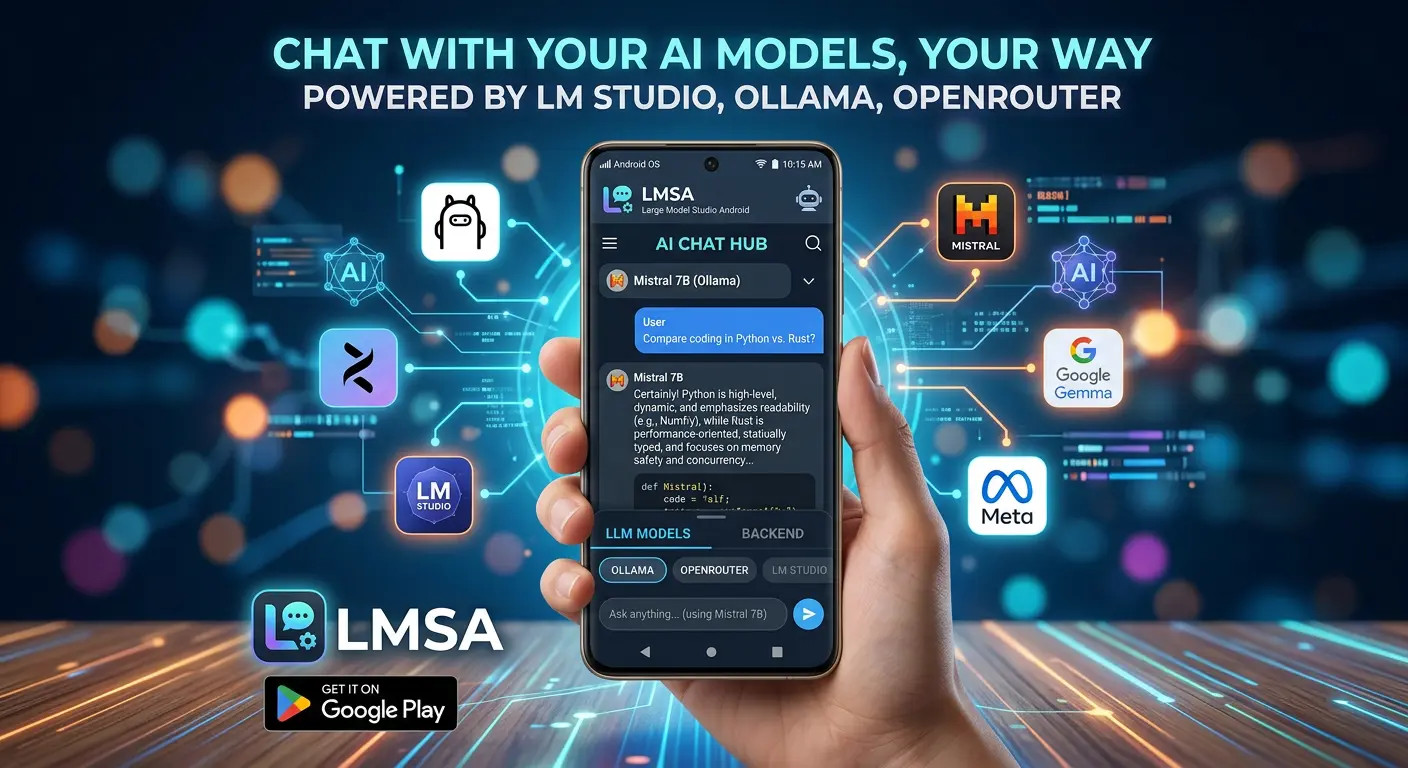
If you're new here: LMSA is an Android app built around one idea — you should be able to run and talk to powerful AI models without handing your data to a company's servers to do it. That means connecting to models running locally on your own computer through LM Studio or Ollama, or optionally reaching out to cloud models through OpenRouter when you want something larger. Your chat history is stored locally and encrypted on your device. Voice input is transcribed on-device. And now, voice output is generated on-device too, with a much better voice doing the talking.
Every piece of that pipeline — recognition, reasoning, and now speech — can run without your data leaving your hands. That's a genuinely uncommon thing to be able to say about a voice assistant in 2026, and it's the reason people choose LMSA over the alternatives in the first place.
Try it out
The new voice models are live now in the latest version of LMSA. Update the app, open Voice Mode, or tap to play back a response from your chat history, and you'll hear the difference immediately. No setup, no new sign-up, no configuration required — the upgrade just applies.
If you've been holding off on Voice Mode because the robotic voice broke the illusion a little too much, this is a good time to give it another shot. And if you're new to LMSA entirely, this is as good a starting point as any: a private, local AI assistant that's now a lot more pleasant to actually talk to.
Update LMSA from the Google Play Store, or head to lmsa.app to learn more.